Parallels Desktop
Parallels Desktop allows you to run Windows and Mac applications side by side. Choose your view to make Windows invisible while still using its applications, or keep the familiar
Information
Version
26.4.1-57516
Size
193 MB
Category
Productivity
Requirements
macOS 12.0 or later
Updated
August 9, 2026
Mac
Description
Run Windows applications on your Mac effortlessly.
Easy. Powerful. Seamless.
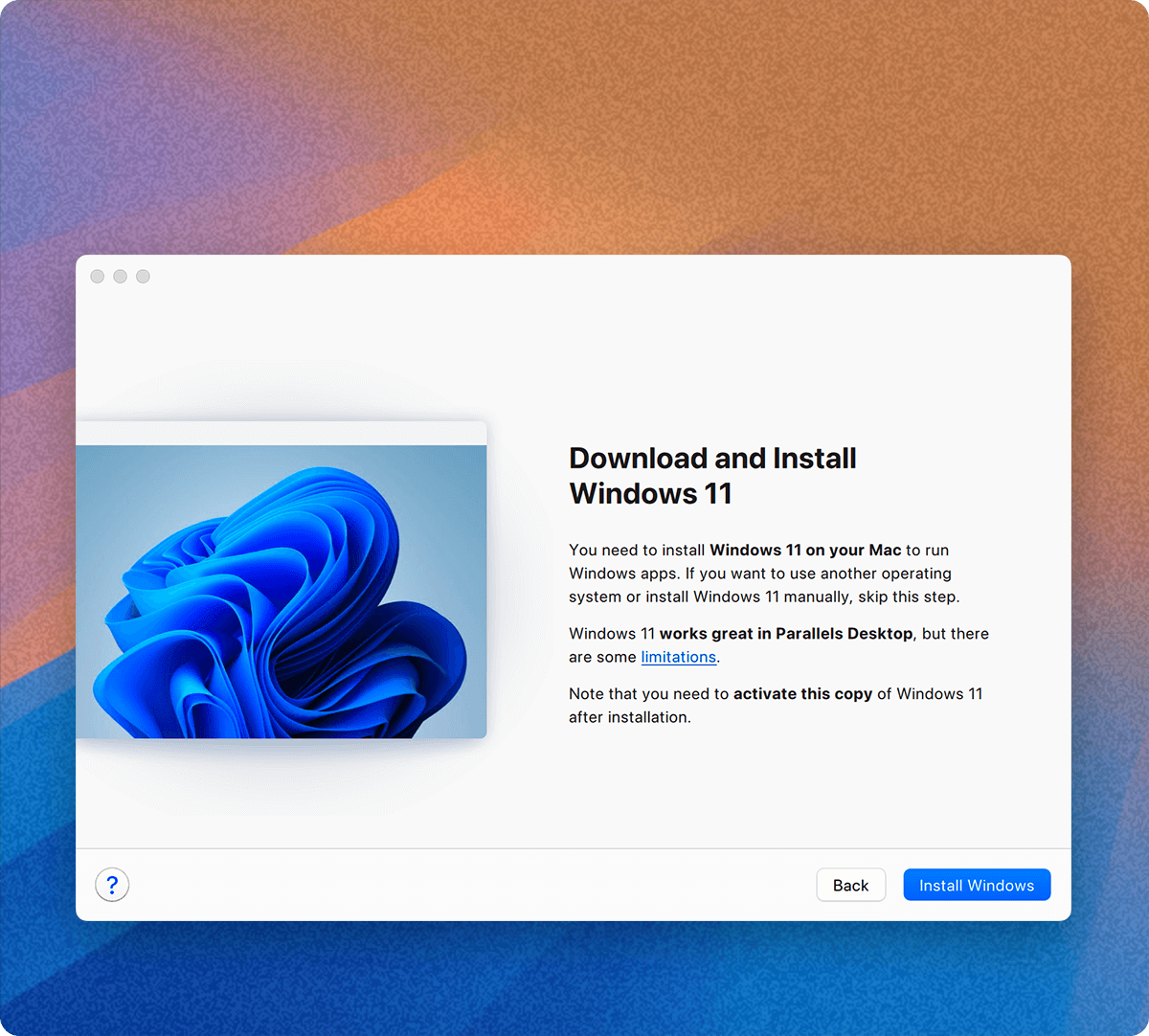
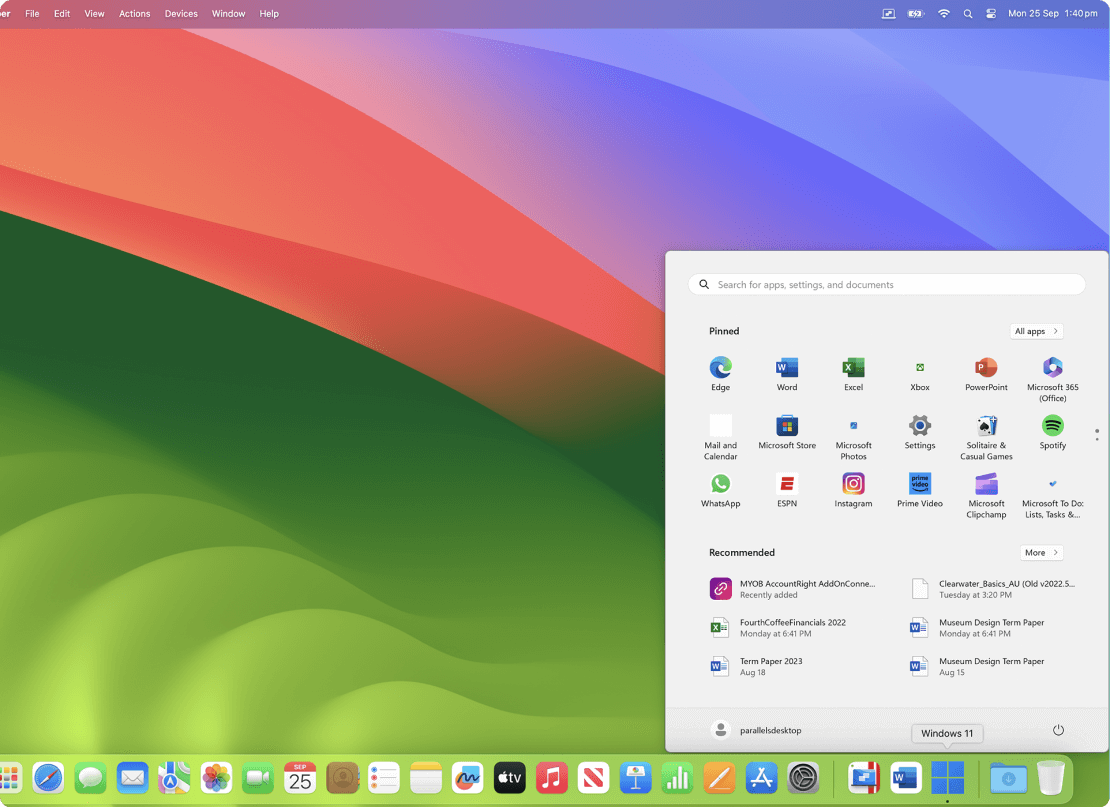
Parallels Desktop allows you to run Windows and Mac applications side by side. Choose your view to make Windows invisible while still using its applications, or keep the familiar Windows background and controls on your Mac.
Works with Boot Camp®
- Reuse your existing Boot Camp installation. Converting a virtual machine from Boot Camp is now much easier and more intuitive than ever.
Not just for Windows
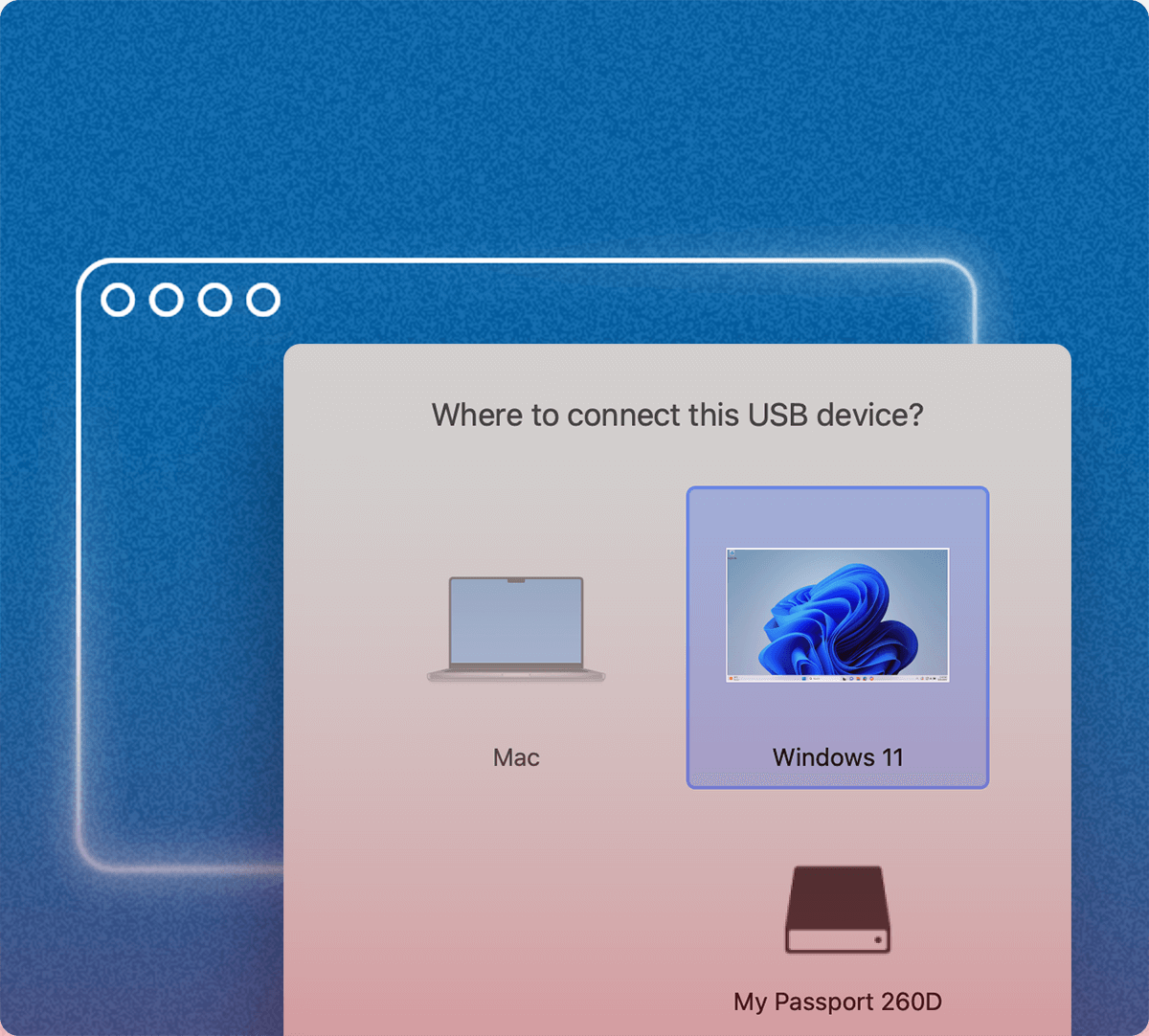
- Run a wide array of operating systems including OS X, Windows 10, 8.1 & 7, Linux, and Google ChromeTM. You can run just about anything on your Mac!
One-click tuning
- Select productivity, games, design, or development, and Parallels Desktop 11 for Mac will optimize your virtual machine settings and performance for you.
Robust Performance
- Parallels Desktop Pro Edition gives your virtual machines more processing power. Up to 64 GB vRAM and 16 vCPUs per virtual machine lets you run even the most demanding applications with ease.
Business Class Software
- Keep IT in control of end user licenses and Windows virtual machines with a Unified Volume License Key, centralized license management, and advanced security features available in Parallels Desktop Business Edition.
Compare Parallels Desktop Pro and Business Edition you can here.
Notes:
ATB download is pre-patched, you can install over previous ATB version.
If the download is broken try clearing your browser local storage by doing the following:
Inspect elements, select console, type "localStorage.clear()", then retry the download.
Download
Previous Versions:
Hi, unsure how it works with the 3 different files once downloaded ? Which should I use ?
One is probably for ARM = M1 chips and so on and other intel based Macs….
It says file is not found/was deleted by the owner when I open both download links
Thanks. It worked. The instruction need to change to just crach.sh on terminal and select option 1.
Thanks to your comment, I figured it out.
correctly got to the 5th step where i have to run the command and it just says :
sudo: ./PD_Crack_20.3.0.sh: command not found
after updating the instructions to simply: crash.sh it worked. Than got the warning “that is not a genuine…”
Than it dont let me use windows without Singing in to Parallels account. Should I make an account?
I don’t see the file showing the steps, do you mind pasting here?
Can it be installed over an old one and preserve windows version, software and customizations?
start with ParallelsDesktop-20.4.0-55980 with the crack, then install newest over it to get ut to work, then turn of update popup with this command
prlctl set “Windows 11” –tools-autoupdate no
Success. The operation was successfully completed.
The VM has been successfully configured.