
Apex Quick Search-File Search
Information


Description
Apex Quick Search — the fastest local file search and quick launcher for Mac.
It runs entirely offline, collects zero data, and keeps your file information strictly on your computer.
[Instant File Search]
Millisecond response, results appear as you type
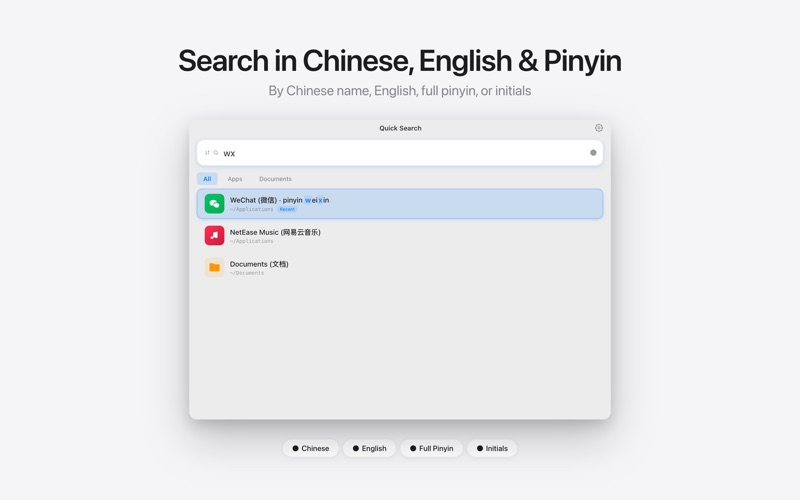
Pinyin initial search: type “wx” to find WeChat instantly
Multiple keywords separated by spaces with smart fuzzy matching
Apps / Files / Folders tabs, recently used files prioritized
[Pin Favorites] (NEW)
Pin frequently used apps and files to the Home page
Drag to reorder, survives restarts
Dual-copy storage with automatic recovery
[Quick Actions]
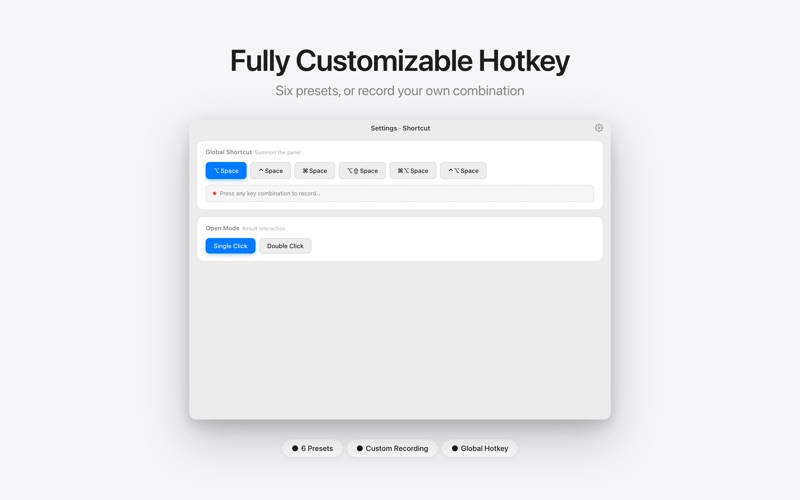
Option+Space to summon the search panel from anywhere
Enter to open, Cmd+C to copy the file itself (NEW)
Cmd+Enter to reveal in Finder
Context menu: copy path, open in terminal, move to Trash and more
“Open containing folder” respects your default file manager (e.g. Path Finder)
[Instant Calculator]
Type an arithmetic expression right in the search box and get the result
[Settings Backup] (NEW)
Export / import settings and pinned items as portable JSON
Painless migration to a new Mac
[Personalization]
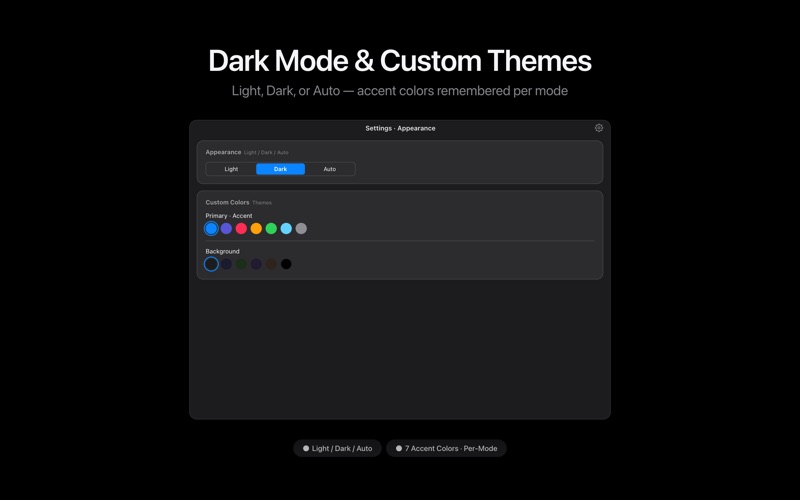
7 theme colors, custom background colors
Adjustable font size and display density
Compact Mini mode and Standard mode
Dock icon / menu bar icon toggles
[Privacy & Security]
Runs entirely offline, no internet required
Zero data collection, no ads, no tracking
Why Apex Quick Search?
Superior pinyin search experience over Spotlight
Lighter than Alfred / Raycast — no complex setup, works out of the box
Native Swift, quiet and energy-efficient in the background
Actively maintained with fast bug fixes
Pricing: free 15-day trial, then a one-time purchase to unlock forever. No subscription, no hidden fees.
Download
No comments yet. Be the first to share your thoughts!
Comments & Reviews