
Clipboard Manager
Information



Description
Clipboard Manager is a smart clipboard history manager that saves everything you copy for later use.
Clipboard Manager Key Features:
• Direct Paste – Paste items directly into the active application.
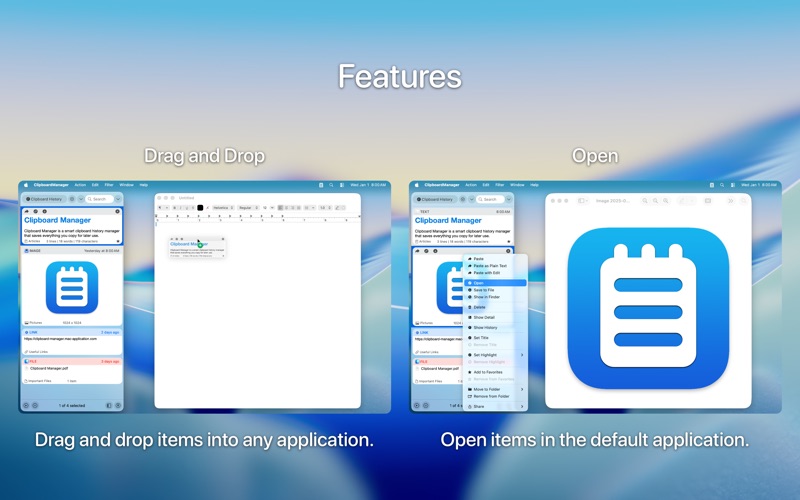
• Application Actions – Paste, Paste as Plain Text, Paste with Edit, Open, Save to File, Show in Finder.
• AppleScript Actions – Custom actions that run an AppleScript file.
• Automator Actions – Custom actions that run an Automator Workflow file.
• Shortcuts Actions – Custom actions that run a Shortcut from the Shortcuts application.
• Bulk Actions – Paste, delete or share more items at one time.
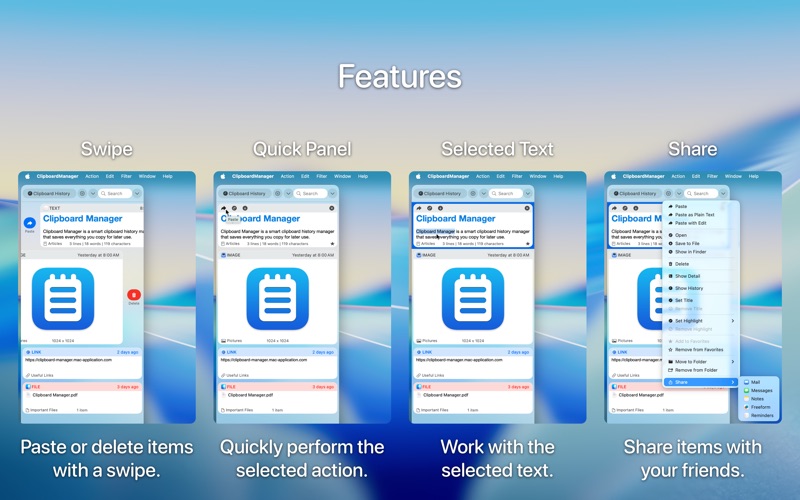
• Quick Panel – Panel in the header of each item to quickly perform the selected action.
• Drag and Drop – Drag and drop items into any application.
• Swipe – Paste or delete items with a swipe.
• Share – Share items with your friends.
• Filter – Filter items by type or application.
• Search – Start typing and search begins.
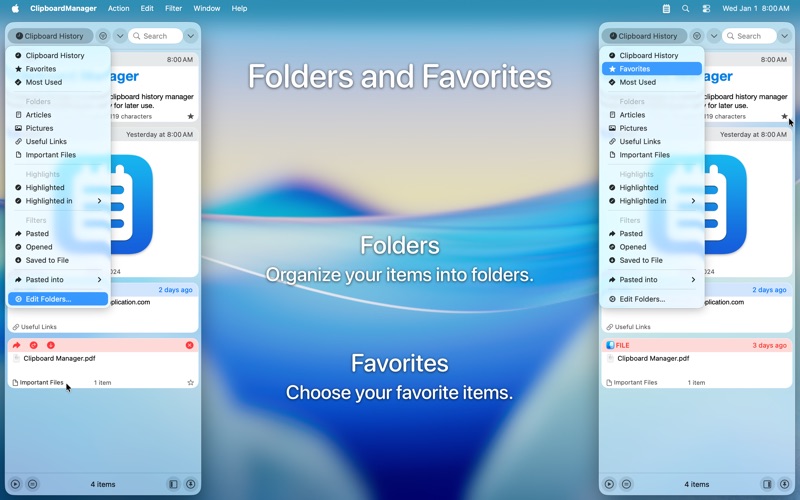
• Folders – Organize your items into folders.
• Favorites – Choose your favorite items.
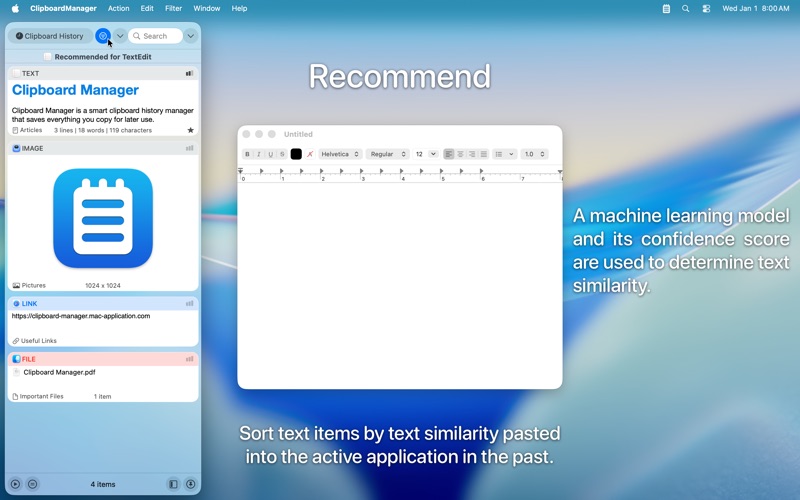
• Recommend – Sort text items by text similarity pasted into the active application in the past.
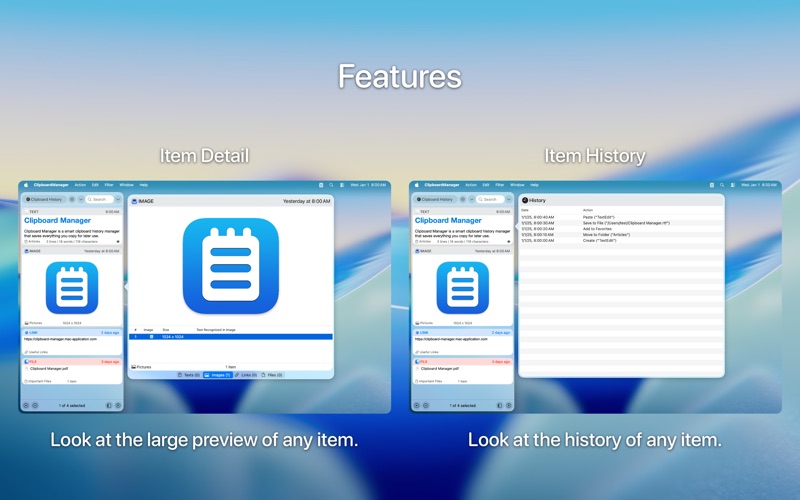
• Item Detail – Look at the large preview of any item.
• Item History – Look at the history of any item.
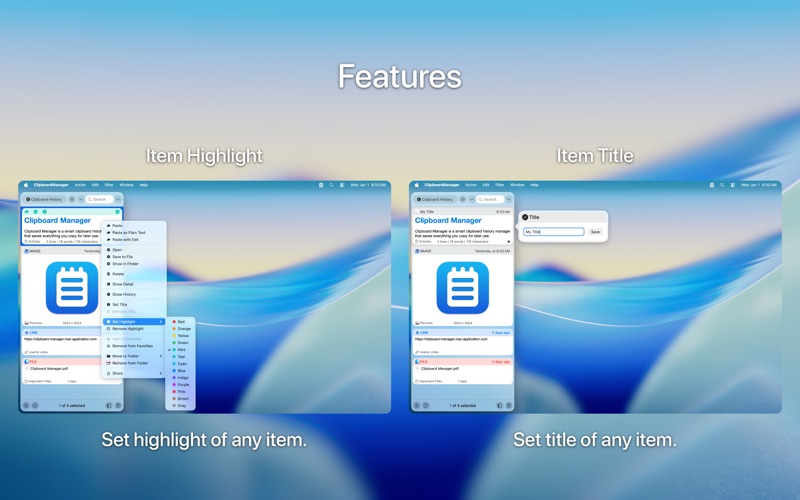
• Item Highlight – Highlight an item in color to find it quickly.
• Item Title – Set an item title to find it quickly.
• Selected Text – Work with the selected text.
• View Mode – Choose normal or compact view mode.
• Mode without Dock Icon – Show application window on active screen and active space.
• Ignored Applications – Ignore the contents of the clipboard copied from selected applications.
• Ignored Contents – Ignore the contents of the clipboard by pasteboard type.
• Global Shortcut – Show application from anywhere.
• Launch Application at Login.
• Clipboard Manager Touch Bar Support.
What's New
Bug Fixes.
Download
No comments yet. Be the first to share your thoughts!
Comments & Reviews