
Diagrammix
Information


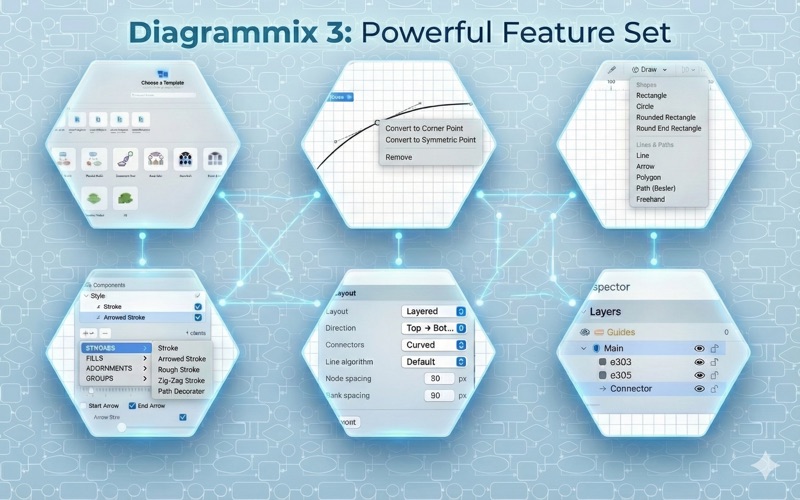
Description
Diagrammix – Professional Diagramming Made Beautiful with AI
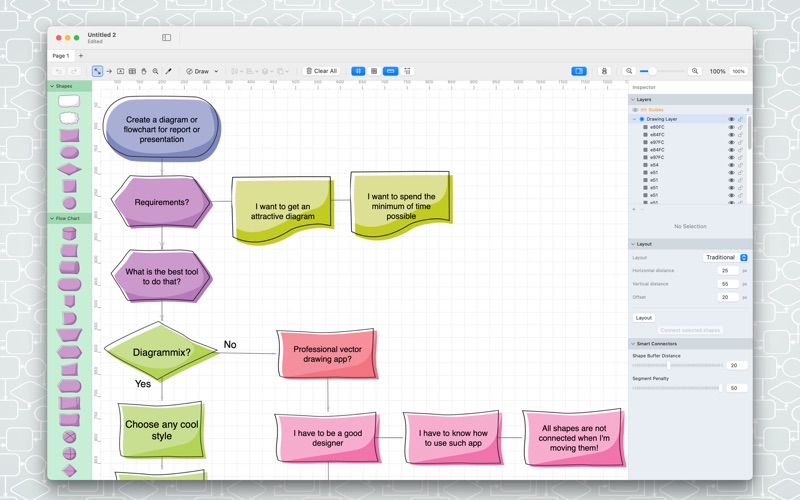
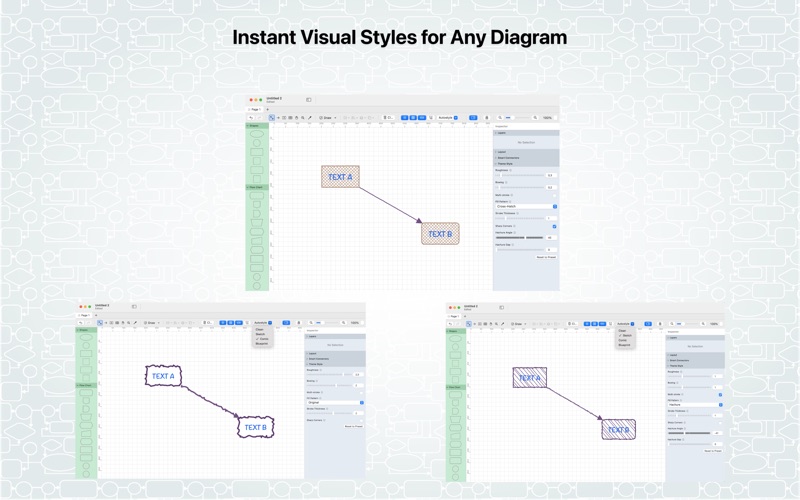
Create stunning diagrams with exclusive, hand-crafted shapes designed by professional artists. Diagrammix combines a complete professional diagramming toolkit with unique visual style you will not find anywhere else.
FREE TO USE – NATIVE MAC APP
Diagrammix is free with all essential diagramming features included. Upgrade to PRO to unlock advanced diagram types and AI-powered diagramming.
EXCLUSIVE DESIGNER SHAPES
What sets Diagrammix apart? Our shapes are unique. While other apps recycle generic stock icons, we offer original artwork created specifically for Diagrammix users.
– Original Artwork: Every shape is an original creation by professional designers — from sleek modern icons to detailed technical symbols.
– Consistent Design Language: All shapes within each collection share cohesive visual style with consistent line weights and unified aesthetics.
– Stand Out: Your diagrams will not look like everyone elses. The unique visual style gives your work a distinctive, professional edge.
COMPLETE DIAGRAMMING TOOLKIT
AI-Powered Diagramming [PRO]
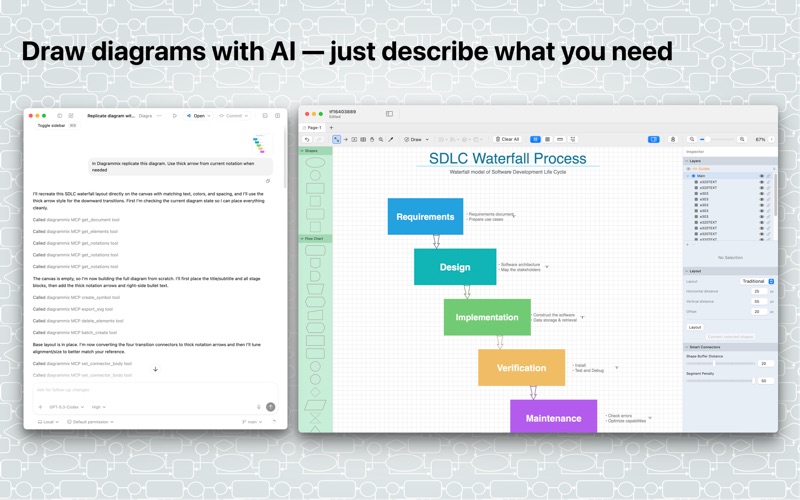
– Describe what you need — AI creates symbols, connectors, and layouts for you
– Built-in MCP server works with Claude, Codex, and other AI assistants
– AI reads your current document and understands existing elements
– Batch creation of complete diagrams from a single prompt
– Auto-layout, alignment, and styling via natural language
– Full round-trip: AI can read, create, update, and reorganize your work
Smart Connectors
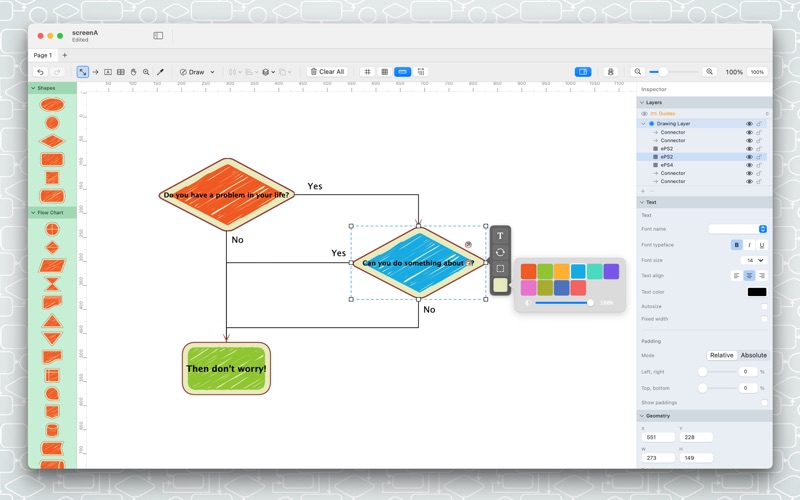
– Intelligent connectors that attach to shape connection points
– Automatic routing around obstacles using advanced pathfinding
– Orthogonal and straight connector styles
– Multiple arrow and line ending styles
– Connectors follow when you move shapes
Shape Tools
– Rectangles, rounded rectangles, circles, and ellipses
– Polygons and stars with customizable points
– Lines, arrows, and polylines
– Bezier curves and freehand drawing
– Text boxes with rich formatting
Editing Features
– Precise alignment and distribution tools
– Grid snapping for accurate positioning
– Grouping and ungrouping objects
– Layer ordering (bring to front, send to back)
– Copy style tool for consistent formatting
– Undo and redo support
Document Features
– Multiple pages per document
– Page templates and custom page sizes
– Export to PNG, PDF
– Print with professional quality
– QuickLook support for Finder preview
PRO FEATURES
– AI-Powered Diagramming via built-in MCP server
– UML Class Diagrams with classes, interfaces, and relationships
– UML Sequence Diagrams with lifelines, messages, and activations
– SVG Import/Export
– Mermaid Import/Export
– Import/Export Visio vsdx files
– More PRO features coming soon
PERFECT FOR
– Software architects designing system architecture
– Business analysts documenting processes
– Product managers creating user flows
– Network engineers mapping infrastructure
– Educators and students
– Anyone who values visual distinction in their work
WHY DIAGRAMMIX
Other diagramming tools give you the same generic clipart everyone uses. Diagrammix gives you original artwork combined with professional diagramming power. Your diagrams will look intentionally designed, not cobbled together from stock icons.
Download Diagrammix free today and experience the difference that professional design makes.
Download
No comments yet. Be the first to share your thoughts!
Comments & Reviews