Diarium Diary: Private Journal
Information

Description
Diarium Diary: Private Journal: Keep your private memories, daily reflections, photos.
Moods, and trips in one calm journal. Diarium helps you build a writing habit with reminders, rich entries, optional own-cloud sync, and no ads or subscription.
Diarium Diary Write more than plain text
• Capture diary entries, personal notes, gratitude moments, travel memories, and bullet-style lists
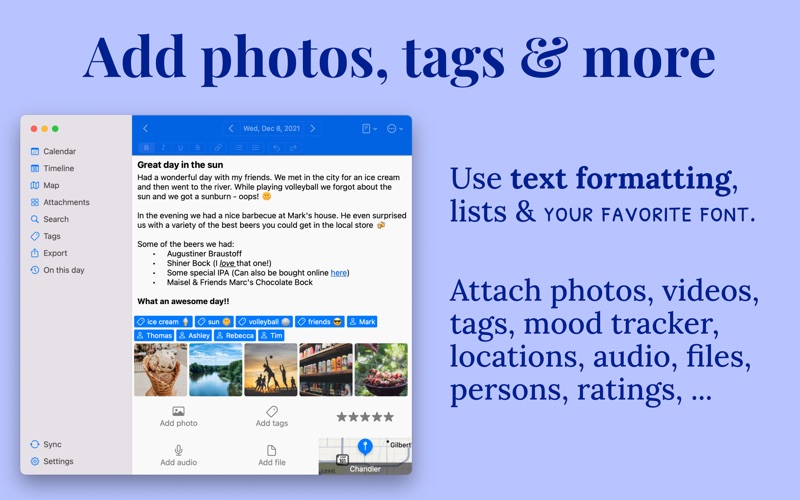
• Add photos, drawings, audio recordings, files, tags, people, ratings, and locations
• Format text, create lists, and keep each day as detailed or simple as you like
• Track your mood with star ratings and tracker tags
Diarium Diary A private journal that fits your routine
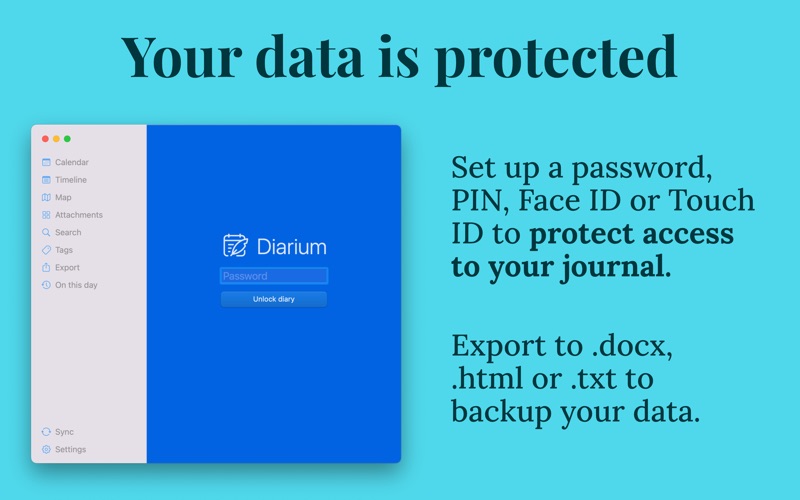
• Lock your diary with password, PIN, or Touch ID
• Set daily reminders so important moments are easier to remember
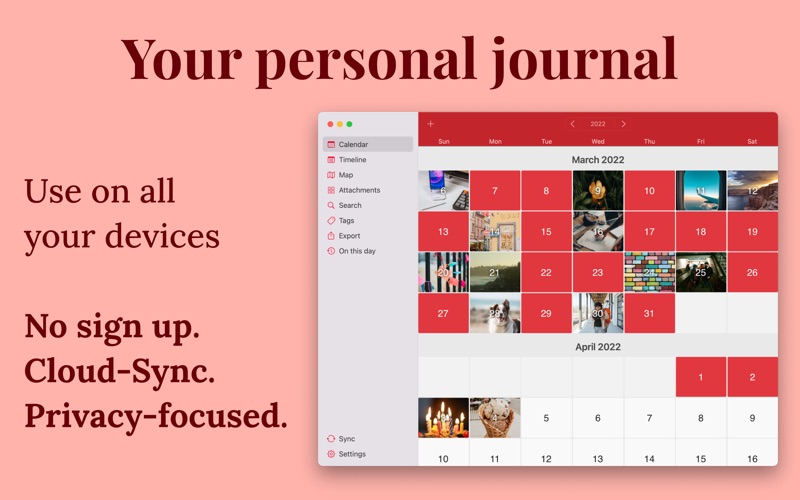
• See your travel memories on a map
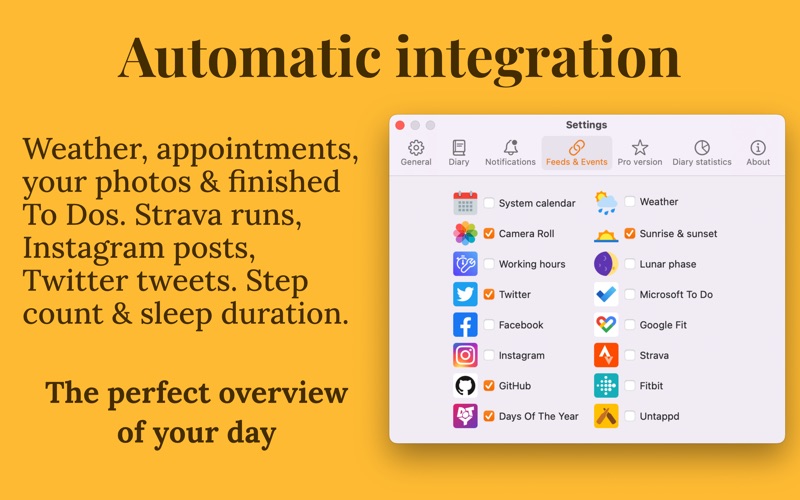
• Add useful day context automatically from your photo library, calendar events, weather, tasks, workouts, social activity, and entertainment activity
Continue across your devices
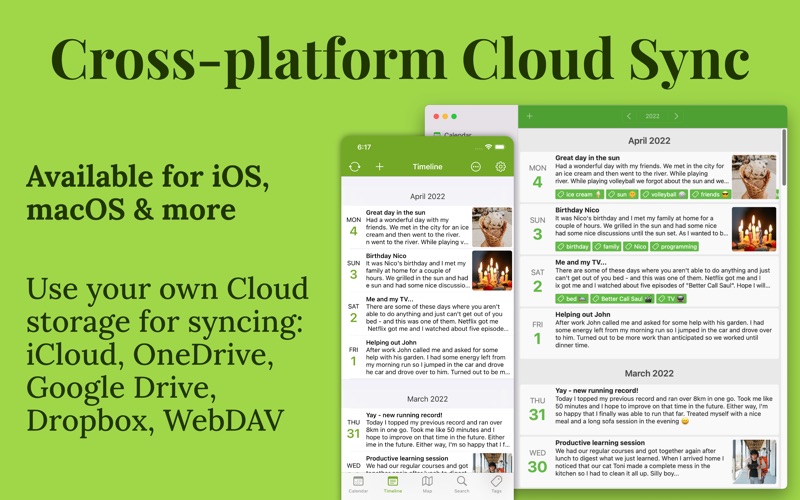
Use optional sync through your own supported cloud storage, including iCloud, OneDrive, Google Drive, Dropbox, and WebDAV. No proprietary Diarium account is required, and you can keep writing across supported phone, tablet, laptop, and desktop versions.
Move in or back up with confidence
Import from supported diary apps, including Apple Journal, Day One, Diaro, Journey, Daylio, Diarly, Daybook, and Evernote. Back up your database, or export entries as Word, HTML, JSON, or plain text when you want a copy outside Diarium.
Diarium Pro is available as a one-time purchase with a 7-day evaluation period after installing. The purchase is linked to your Apple ID and unlocks Pro access for the current Apple platform; other platforms may require a separate purchase.
Download
No comments yet. Be the first to share your thoughts!
Comments & Reviews