DroidPort: Phone Companion
Information


Description
DroidPort links your Android phone to your Mac.
And keeps them in sync – privately, over your own Wi-Fi. No cloud servers, no account, no subscription. Buy it once.
DroidPort is the trustworthy one: it’s sandboxed, signed, and collects no data. Everything stays on your two devices and your local network.
WHAT YOU CAN DO
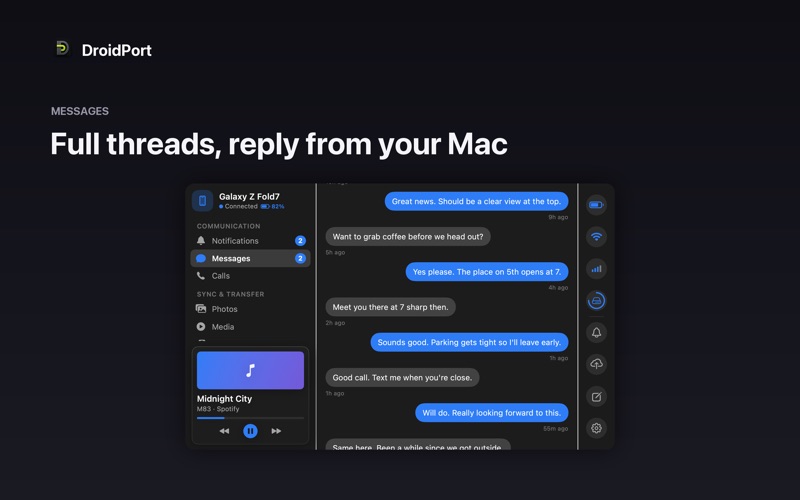
• Messages – read and reply to texts right from your Mac, with full conversation threads.
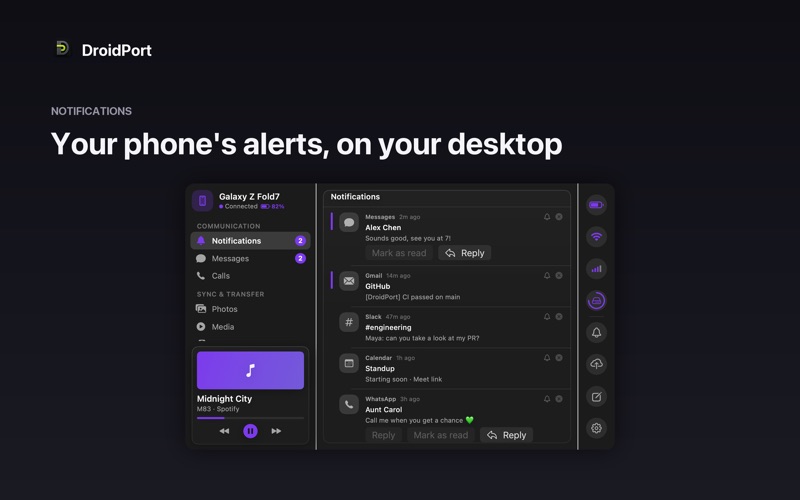
• Notifications – see your phone’s notifications on your Mac, reply inline, tap actions, and dismiss them.
• Calls – get an on-screen alert when your phone rings, and see missed calls.
• Clipboard – share text between phone and Mac in a tap.
• Files – send files to your phone and receive files straight to your Mac.
• Photos – browse your phone’s camera roll, open full-resolution shots, save copies, drag them to Finder, and import everything new since last time.
• Media – control what’s playing on your phone from your Mac’s menu bar.
• Device status – battery, signal, and Wi-Fi at a glance.
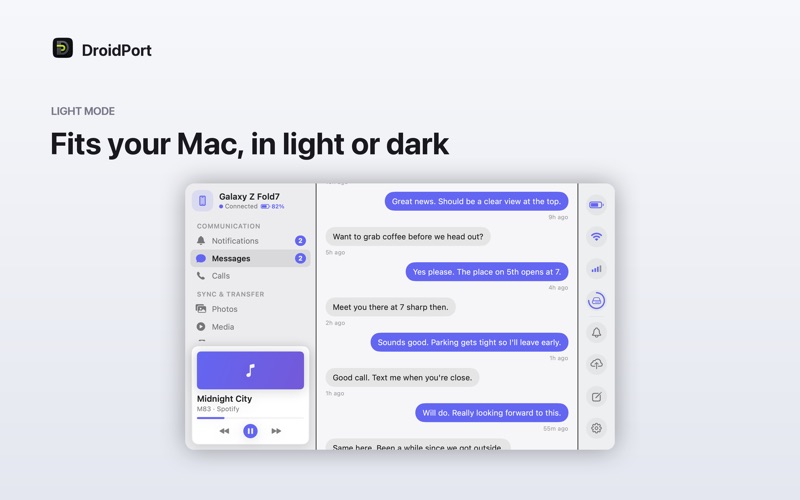
• Personalize – pick an accent color and an optional background gradient to match your desktop.
PRIVATE BY DESIGN
DroidPort talks to your phone directly over your local network using the open KDE Connect protocol. Nothing is uploaded to the internet. The connection is end-to-end encrypted and paired by a code you confirm on both devices.
WANT TO LOOK AROUND FIRST?
Choose “Explore a Demo Device” to try every screen with sample data – no phone required.
REQUIRES A COMPANION ON YOUR PHONE
DroidPort works with the free, open-source KDE Connect protocol. Install a compatible, independent companion app on your Android phone (DroidPort will guide you), then pair the two devices. DroidPort is not affiliated with, or endorsed by, the KDE or Zorin projects.
MORE FROM SKJ APPS
Settings › About links to our other Mac apps.
Download
No comments yet. Be the first to share your thoughts!
Comments & Reviews