GridBar: Tile Shelf & Macros
Information



Description
GridBar: Tile Shelf & Macros: One key. Everything you use.
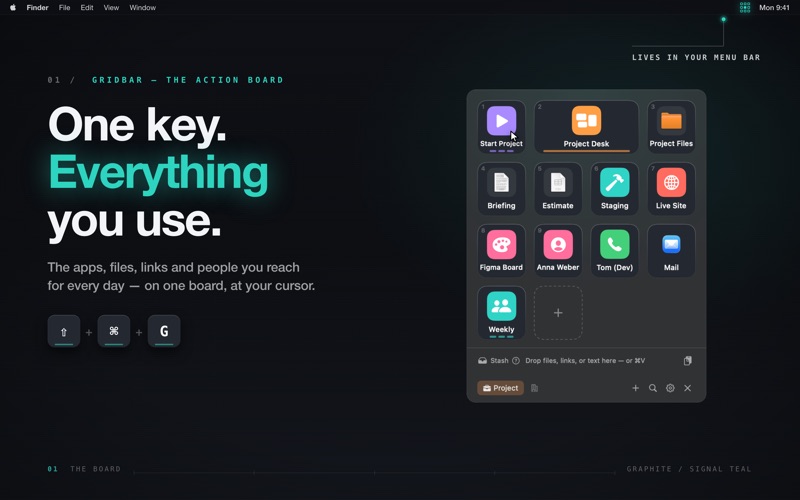
Opening the thing you need takes six moves: ⌘-Tab past four apps, dig through Finder, hunt the bookmark, look up the number. GridBar collapses that into one. Press ⇧⌘G and a board of keys blooms at your cursor. Press 1. Done.
WHAT A KEY CAN BE
Apps, files, folders, websites, deep links, phone calls, emails. Whatever you reach for every day gets a key — real icon, your colour, your order. Twelve keys and the Stash are there from the first launch.
YOUR DESK, REBUILT IN ONE PRESS
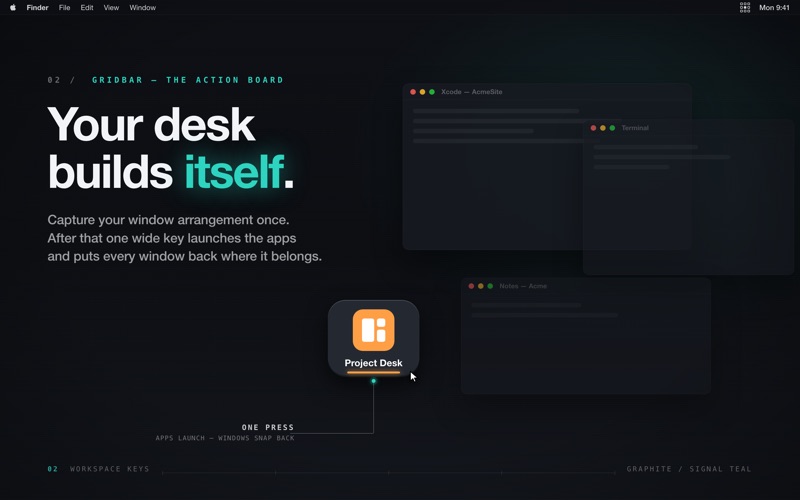
Capture a window arrangement once. From then on a single wide key launches the apps and snaps every window back where it belongs. Monday morning stops being a setup ritual.
ROUTINES YOU CAN WATCH RUN
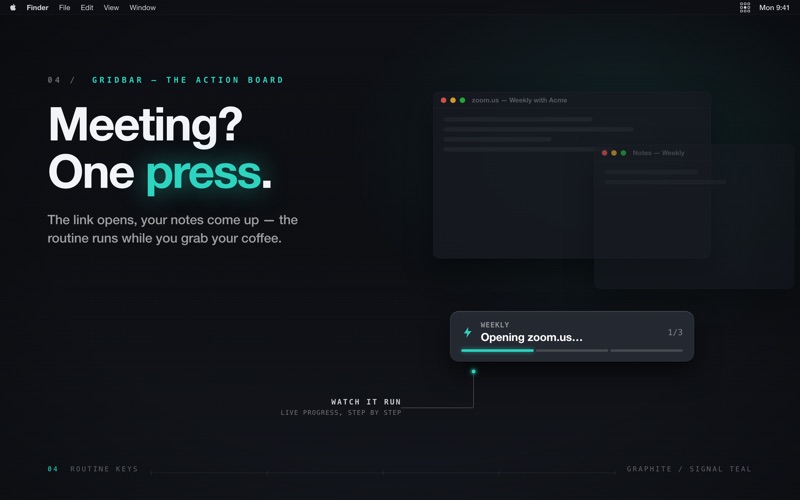
Apps, links, waits and keystrokes, step by step, with a live progress readout you can actually follow. Start the workday. Join the standup. Shut everything down.
NOTHING TO MEMORISE
Every key wears its number now. 1–9 fires a key, ⌘1–9 switches boards, ⌘F searches. The board tells you the shortcut instead of asking you to remember it.
WHEREVER YOU WANT IT
At the cursor, in the centre of the screen, or parked in any corner — you decide. Or leave it at the screen edge and let it slide out when you touch it. Zero keystrokes.
THE STASH — A SHELF INSIDE YOUR BOARD
Drag a file, a link, a screenshot or a scrap of text in from one app, pull it out into another. No temp folder, no “where did I put that”. It tidies itself up after a delay you choose, and it deliberately ignores whatever your password manager copies.
IT TRAVELS NOW
GridBar for iPhone and iPad puts the same board in your pocket — same keys, same order. Links open, calls dial, Shortcuts run, and the Stash you filled at the desk is already waiting on the phone.
SYNC YOU CAN TRUST
Boards, Stash and window layouts sync across every Mac you own through your own iCloud account — file permissions intact, a backup before every merge, and a plain-language message if anything ever cannot sync. Export a board as a file to keep or share.
GRIDBAR PRO
Unlimited boards and keys, workspace keys, routines, Apple Shortcuts and iCloud sync. One unlock covers your Mac, your iPhone and your iPad.
PRIVATE BY DESIGN
Native Swift app. Sandboxed. No telemetry, no account, no servers of ours. Your boards live on your devices and in your iCloud.
Made by Balane.
Feedback: [email protected]
Support: [email protected]
Terms of Use (EULA): https://www.apple.com/legal/internet-services/itunes/dev/stdeula/
Download
No comments yet. Be the first to share your thoughts!
Comments & Reviews