Marked Quick Look – Markdown Preview

Marked Quick Look – Markdown Preview

Information

Version 1.0.19
Size 12 MB
Category Productivity
Requirements macOS 13.0 or later
Updated September 8, 2026
Mac

Description

Marked Quick Look is a companion to Marked.app, but will work without it.

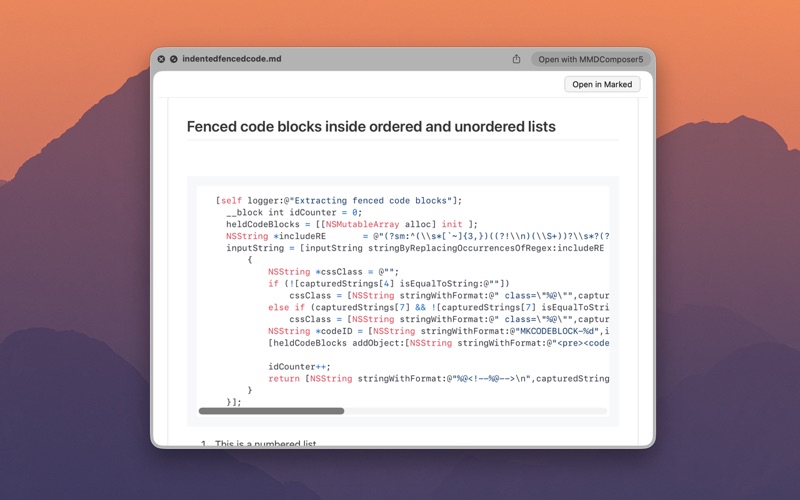
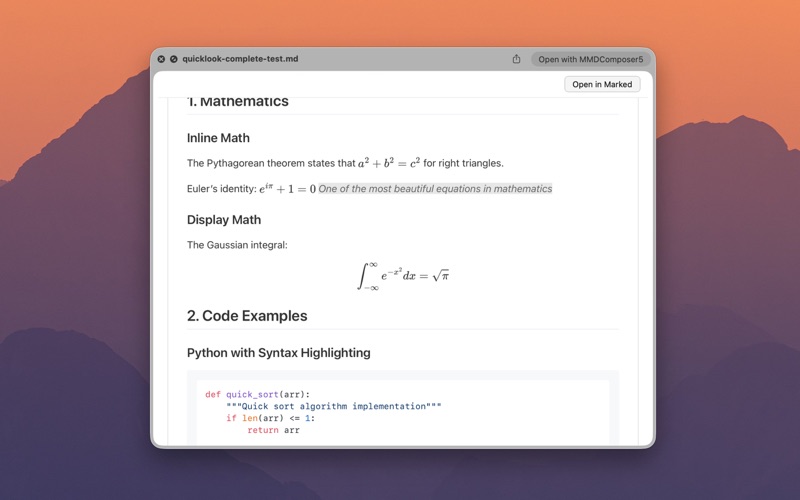
Preview any Markdown file on your Mac with a press of the space bar. Includes Apex, a powerful new Markdown processor that combines all your favorite Markdown flavors in one.

What's New

### NEW - Add Select to choose an existing stylesheet from the Custom Styles folder without importing a duplicate ### CHANGED - Clarify Scale preview with window size as type-size scaling that still fills the preview pane ### IMPROVED - Apply Font Size and Scale preview with window size via page zoom so layout no longer letterboxes - Update bundled mermaid preview script to 11.17.2 - Open the folder grant panel on the covering parent folder instead of only the subdirectory ### FIXED - Keep TOC and preview content resizing with the Quick Look window when enlarging and shrinking - Restore resize tracking on the second preview open instead of locking to the initial host size - Make preview content fill the pane as the window grows by overriding theme max-width constraints - Refresh open previews when Settings change (style, font size, fluid zoom, front matter, and related options) - Make Settings tabs scroll so the Preview pane fits on smaller MacBook Pro screens - Honor existing parent folder grants when previewing Markdown in subdirectories without asking again - Embed local images from the document folder or any parent up through the granted root - Reload the preview after Grant Folder Access so images appear instead of keeping a stale freeze - Avoid false Grant Folder Access prompts when a covering grant is active and only some image links are missing

Download

Comments & Reviews

No comments yet. Be the first to share your thoughts!

Share Your Thoughts

Your email address will not be published. Required fields are marked *

More in Productivity