
Pages – Creator Studio
Information
Description
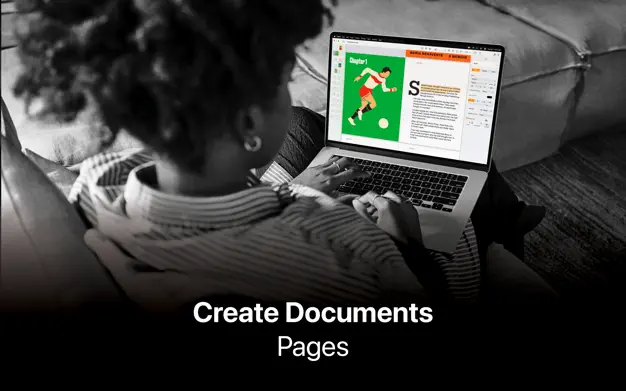
Pages – Creator Studio Create beautiful documents with Pages on Mac.
Start with an Apple-designed template for a report, resume, poster, or digital book. Easily add images, movies, audio, tables, charts, and shapes. Use comments, change tracking, and highlights to review your work. On iPhone and Mac, Screen View optimizes content for your screen, making it easier to edit.
Pages – Creator Studio Get Started Quickly
• Work from iPhone, Mac, or even a PC with iCloud.com
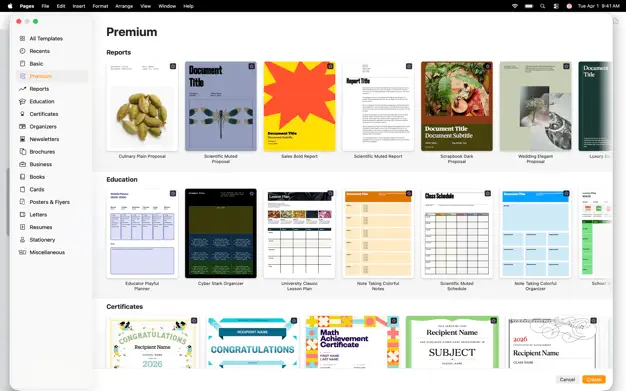
• Select from a wide variety of Apple-designed templates
• Add from a library of shapes, tables, and charts with pre-defined styles
• Import and edit Microsoft Word and text files
Pages – Creator Studio Create Beautiful Documents
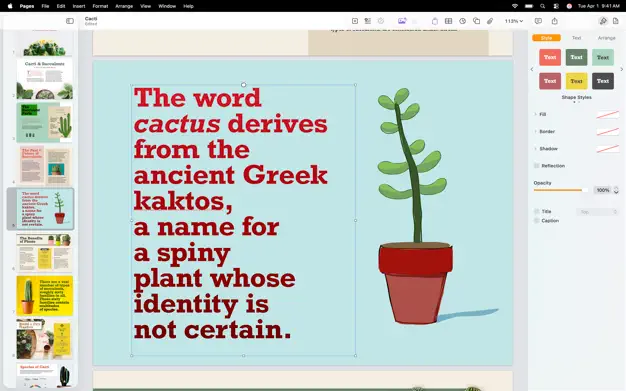
• Format your document with gorgeous styles, fonts, and textures
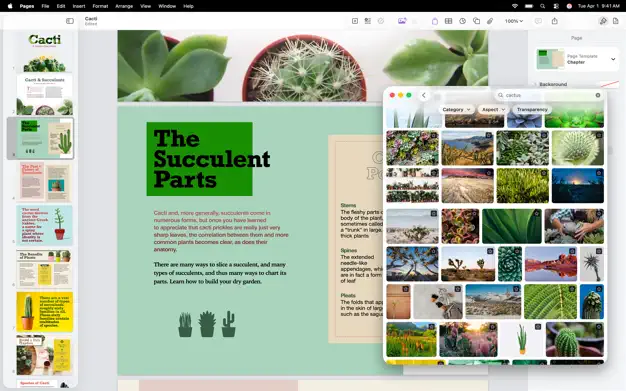
• Make your content more engaging with recorded audio, video, and image galleries
• Create page templates to keep the design consistent across your page layout document
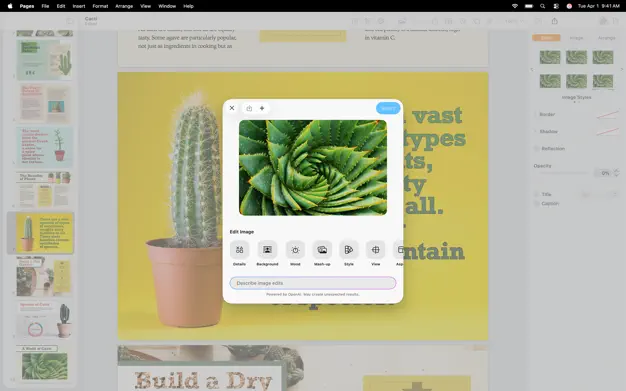
• Use powerful graphics tools including image background removal and masking
• Design interactive EPUB books that can be shared with others or published to Apple Books
• Draw, write or annotate with Apple Pencil on Mac
Pages – Creator Studio Advanced Tools
• Use the table of contents view to easily navigate your document or book
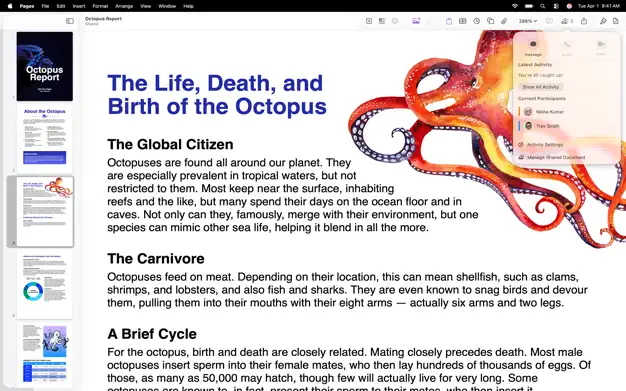
• Add comments and join threaded conversations
• Turn on change tracking to mark up a document as you edit it
• Create footnotes and endnotes and view character, word, and paragraph counts
• Add elegant mathematical equations using LaTeX or MathML notation
• Use presenter mode on iPhone and Mac to auto scroll text while giving a speech
• Seamless integration with EndNote for inserting citations on Mac*
Share with Anyone
• Share your document publicly or collaborate with specific people using iCloud or Box
• Make changes from any device and see a list of changes from others in real-time
• Export your document in EPUB, Microsoft Word, RTF, TXT, and PDF format
Apple Intelligence
• Use Writing Tools to proofread, rewrite, summarize, and compose text
• Create your own fun images with Image Playground based on a description
* EndNote sold separately. EndNote integration requires a plug-in available from Apple Support.
Notes:
- New patch, fully unlocked all features (except AI/content hub)
- AppStore pop-up should no longer be shown
- All analytics URL are blocked in binary
Both versions keep crashing went starting the app