
Repo Man – Reclaim Your Code
Information



Description
Repo Man is an application that is designed to backup git repositories.
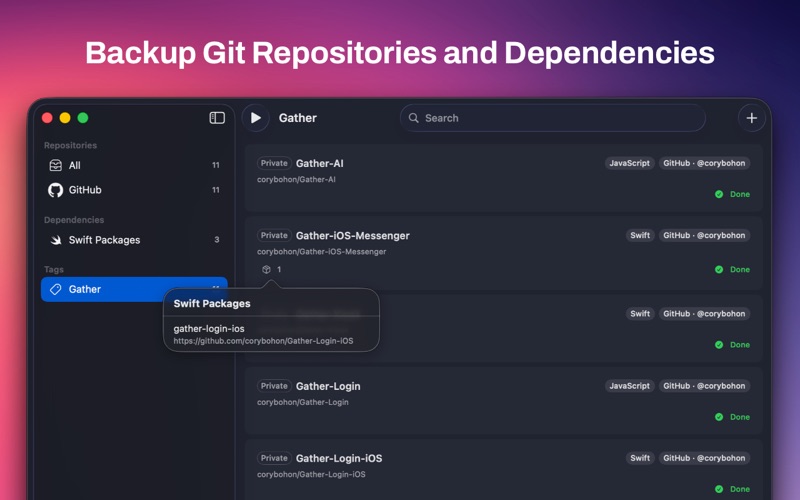
Using the git mirror functionality to clone a bare repository. This application integrates with GitHub, GitLab and Bitbucket or through manually added SSH urls to automatically backup and mirror repositories locally should a service outage occur (because git is not a permanent backup solution). Reclaim your code locally on disk where it can be backed up to a NAS, DAS, or cloud provider for offsite storage.
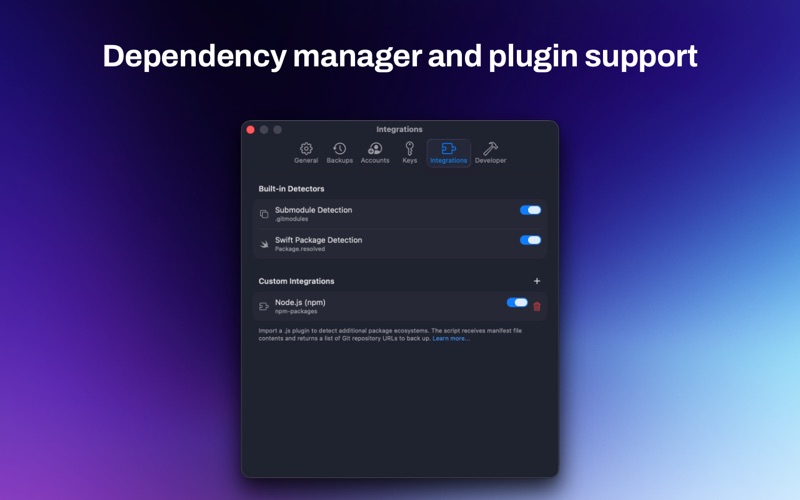
In addition to mirroring the repository, the real power comes with the Integrations in Repo Man that let you clone any dependencies and link it to the repository. Repo Man ships with the ability to automatically backup any git submodules or Swift Packages (for projects with a Package.resolved file), but additional plugins can be written via a JavaScript plugin architecture to automatically surface additional git URLs that should be backed up by Repo Man. Developer documentation can be found at developer.cocoaapp.com/repoman.
Additional Feature of Repo Man:
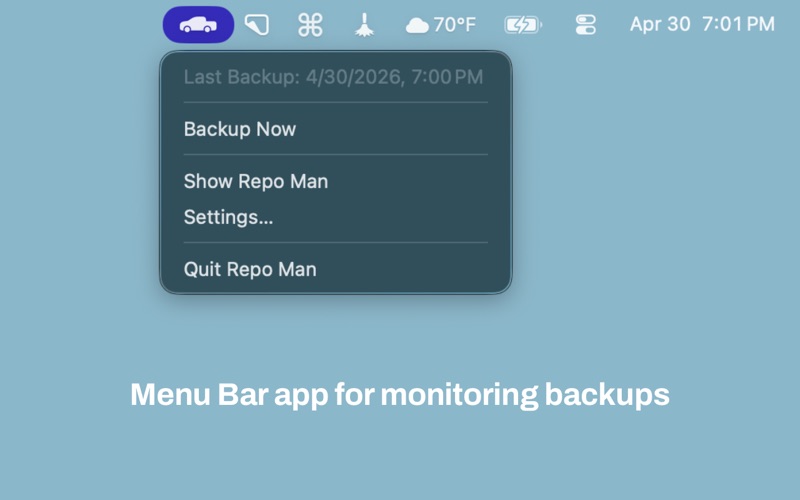
– Backups can be done manually or automatically
– Repo Man backups can automatically be scheduled daily, weekly, monthly, or on a custom basis
– Smart Backups let you choose if a backup should be skipped based on if any remote changes have occurred since the last backup (only supported on GitHub, GitLab and BitBucket)
– Tagging support allows you to organize Repo Man to your liking
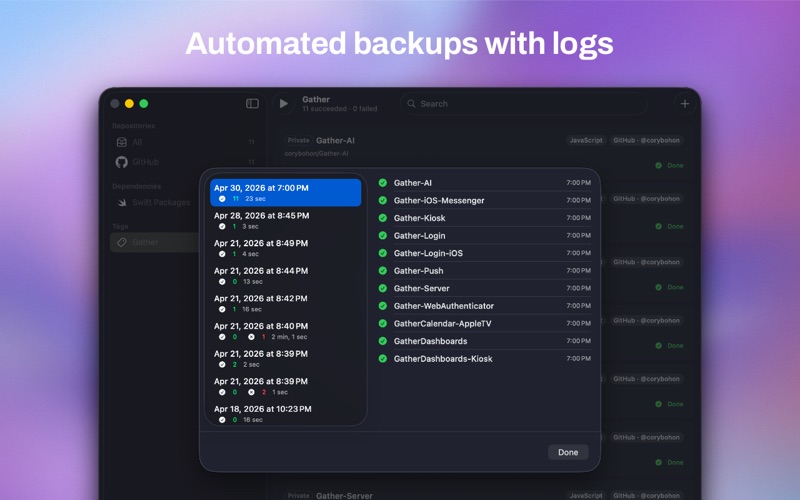
– Logs let you see for each backup run what was backed up and how long the process took
– Works with GitLFS for larger files and automatically backs those up as well
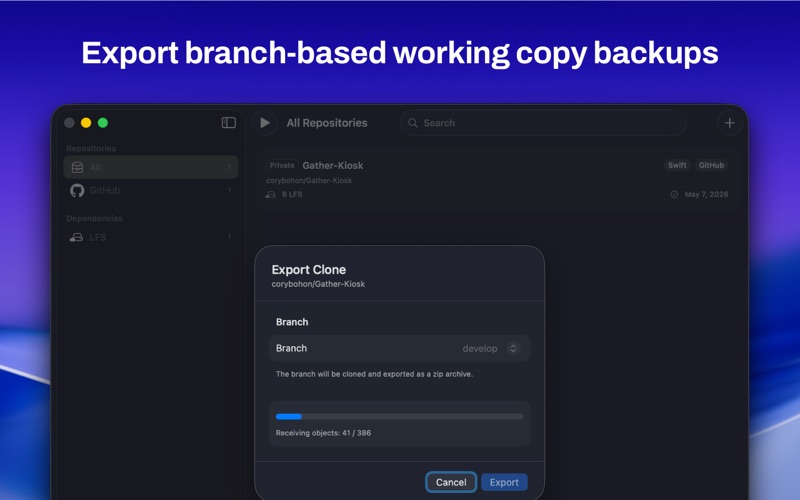
– Includes the ability to export a clone of a repository by right-clicking and choosing Export Clone to export a branch of your backed up repositories for file retrieval
– Includes support for GitHub Enterprise
Download
No comments yet. Be the first to share your thoughts!
Comments & Reviews