Sentinel – GUI For Gatekeeper
Sentinel is a GUI application written entirely in Swift and designed to control features such as Gatekeeper in a small size (less than 1MB). It provides...
Information
Description
A GUI for controlling Gatekeeper, Un-quarantining Apps and more.
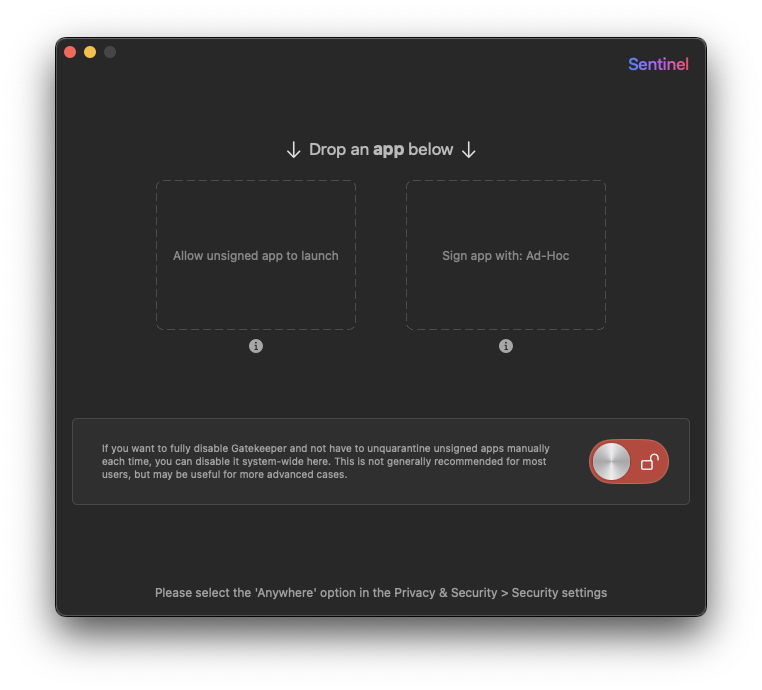
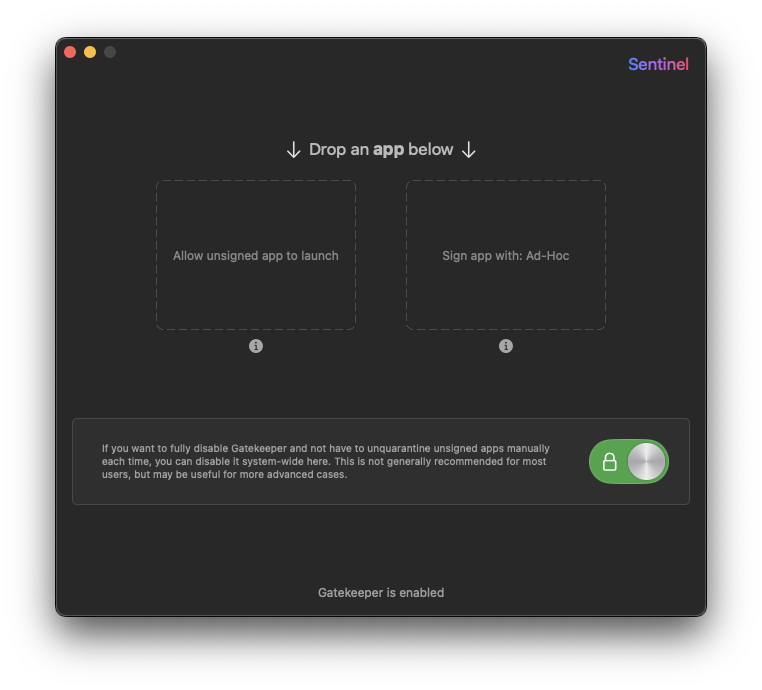
Sentinel is a GUI application written entirely in Swift and designed to control features such as Gatekeeper in a small size (less than 3MB). It provides a hands-on opportunity for Swift beginners to de-isolate or temporarily self-sign to replace certificates by allowing users to drag and drop applications into specific areas. Sentinel also comes with a custom auto-updater with the ability to pull the latest release notes and binaries from GitHub Releases (it is recommended to run Sentinel from the /Applications folder to avoid permission issues). For compatibility, the app requires macOS 12.0 and above, as it uses many new SwiftUI features and modifiers that are incompatible below that version. When you open Sentinel for the first time, you’ll need to add an exception by right-clicking and selecting Open to avoid Gatekeeper warnings because the app isn’t signed with an Apple developer certificate.
Features:
- 100% Swift
- Can drop an app in the drop target to un-quarantine and optionally auto-open the app after it is Un-quarantined
- Can drop an app in the drop target to ad-hoc self sign and replace the certificate
- Custom auto-updater that pulls latest release notes and binaries from GitHub Releases (Sentinel should be ran from /Applications folder to avoid permission issues)
- Supports macOS Sequoia
Download
No comments yet. Be the first to share your thoughts!
Comments & Reviews