
Space Drop
Information
Version
2.8
Size
9 MB
Category
Utilities
Requirements
macOS 10.13 or later
Updated
March 21, 2026
Mac
Description
Space Drop is an essential utility for Mac users who want to seriously speed up their workflow.
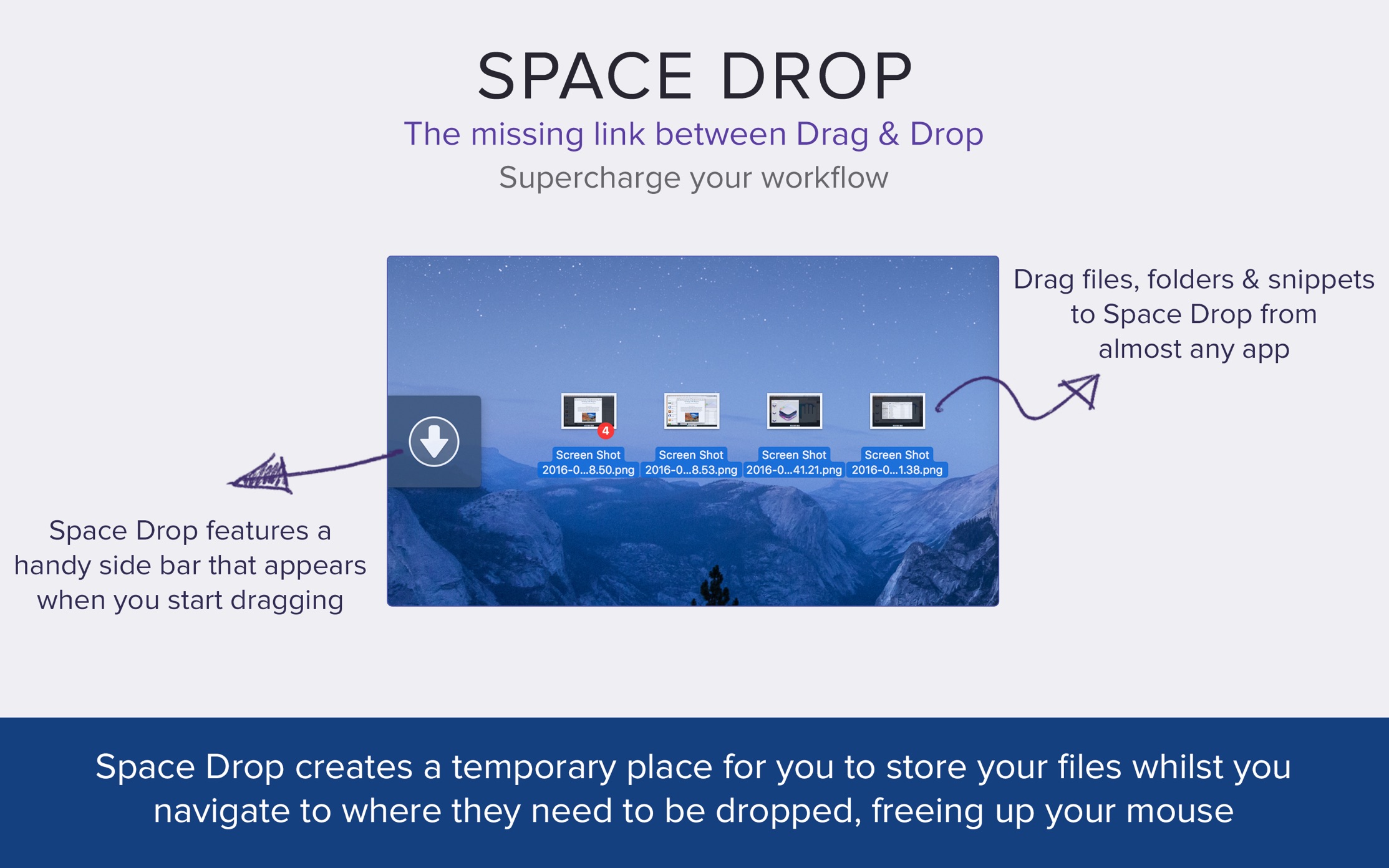
This app makes dragging-and-dropping files much easier with a handy dock that instantly appears whenever you start dragging a file. It creates a temporary place for you to store your files whilst you navigate to where they need to be dropped. This frees up your mouse and makes the process much more pleasant.
Features
- Add single or multiple files into Space Drop in one go, if you drag in multiple files together, it’ll create a stack group of those files combined.
- Allows you to create a temporary storage space for files and folders you need quick access to or need to collate before dragging them to another app or location.
- Add files and folders to Space Drop by dragging them to the drop window, menubar icon and/or dock icon.
- Supports multiple monitor set ups.
- Supports almost every file type and cocoa application.
- Control which apps will detect dragging on.
- Customize color, opacity, window position and much more.
- Works with full screen apps.
- Supports QuickLook to preview files within your .
- Configure the app to launch when you login to your Mac.
- Toggle the window using a hotkey if set.
- Right click on files and select delete to remove them or press the trash can icon to remove all files.
Download
No comments yet. Be the first to share your thoughts!
Comments & Reviews