StepGrab – Step-by-Step Guides
Information


Description
StepGrab turns any workflow into a clean.
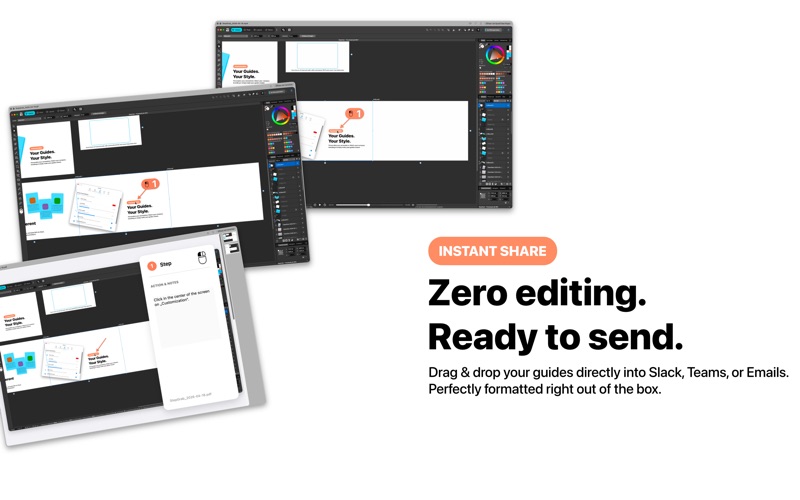
Numbered step-by-step guide — automatically. Start a recording, click through your process, and StepGrab captures a screenshot on every click, describes each action, and builds the guide for you.
StepGrab is a menu bar app: it sits quietly at the top of your Mac’s menu bar, so a recording is always just one click away.
100% offline. Your screen never leaves your Mac — no cloud, and no account required to start.
Features:
• Automatic click detection — a screenshot on every interaction
• Numbered step-by-step guides, generated as you work
• Smart action descriptions for every step
• Animated GIF export — quick, looping previews
• Dynamic PDF guides (Pro) — professional documentation
• MP4 video export (Pro) — high-resolution guide videos
• Customizable design — colors, numbering styles, and layout
• Menu bar app — instant recording, stays out of your way
• Available in 7 languages
Perfect for support teams, onboarding, SOPs, training, and anyone who explains the same task twice.
Pricing:
• Free: up to 5 steps per recording
• Free account: 10 steps and 10 recordings
• Pro: unlimited steps, unlimited recordings, and all export formats — subscribe yearly, or pay once with a Lifetime license.
Everything is processed locally on your Mac.
Terms of Use & Privacy: https://stepgrab.net/legal.html#support
Download
No comments yet. Be the first to share your thoughts!
Comments & Reviews