Super Vectorizer Pro:AI Vector
Information

Description
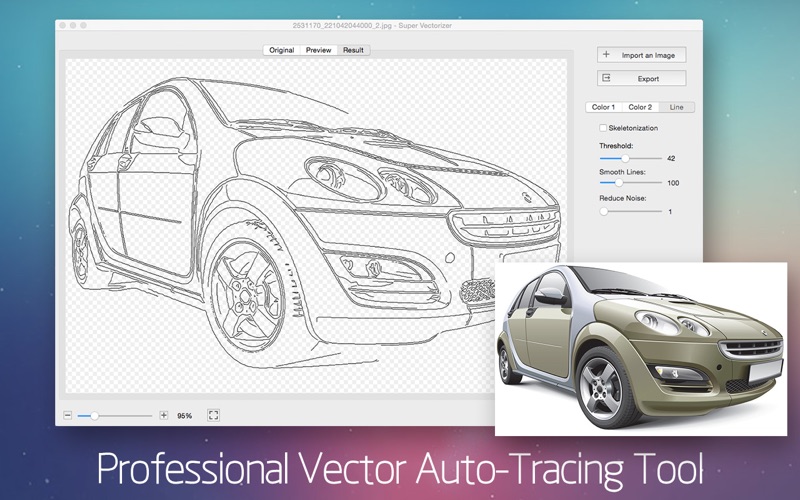
Super Vectorizer Pro is a professional-grade image tracer that automatically converts and traces photos.
Logos, sketches, and line art etc — JPEG, PNG, GIF, and 70+ formats — into crisp, infinitely scalable vector graphics in SVG, AI, EPS, DXF, and PDF. Output works seamlessly in Illustrator and CorelDRAW, and in Cricut Design Space for cut-ready projects — plus most other vector and cutting tools.
## Key Features
1. Fully automatic, beautifully clean. Drop in an image and get a ready-to-use vector in seconds — no manual node editing required.
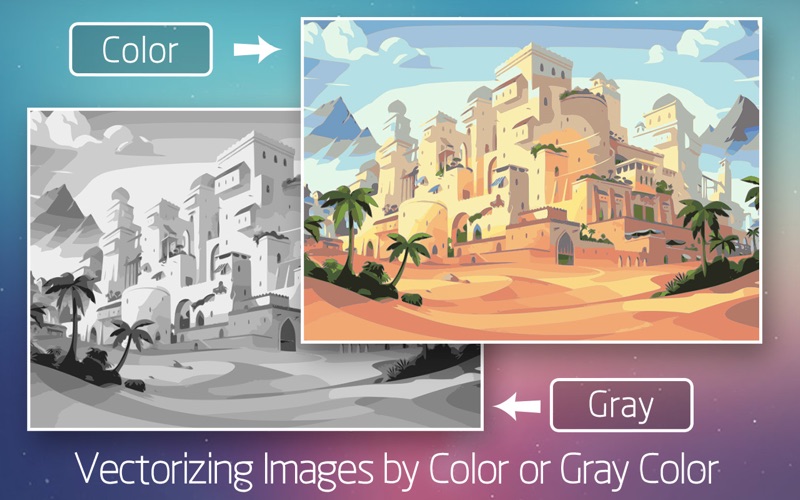
2. Two powerful color modes. Color mode for flat, poster-style results; the unique Region mode for photographic, gradient-rich tracings — a segmentation algorithm you won’t find anywhere else on the App Store.
3. Region Mode, rebuilt. A true region-based tracer. Instead of being capped by a color count, the image is split along real edges and every region is filled with its own representative color. Complex portraits can now resolve thousands of regions while preserving smooth gradients and fine detail.
4. Sharper edges, zero drift. We rewrote the edge-enhancement engine. Colors snap cleanly at the boundary — and the boundary itself stays put. No more soft halos or white seams.
5. Two precision controls. Simplify merges similar-colored regions; Min Area clears away stray speckles. Once buried in a single slider, they’re now independent and intuitive.
6. 10 built-in presets. One-tap starting points for Portrait, Landscape, Icon, Manga, and Line Art & Text — plus Icon / Manga tuned for Color mode.
7. Super Vectorizer AI super-resolution (Apple Silicon). Small images and line art are upscaled before tracing for finer edges — yet exports stay at the original size.
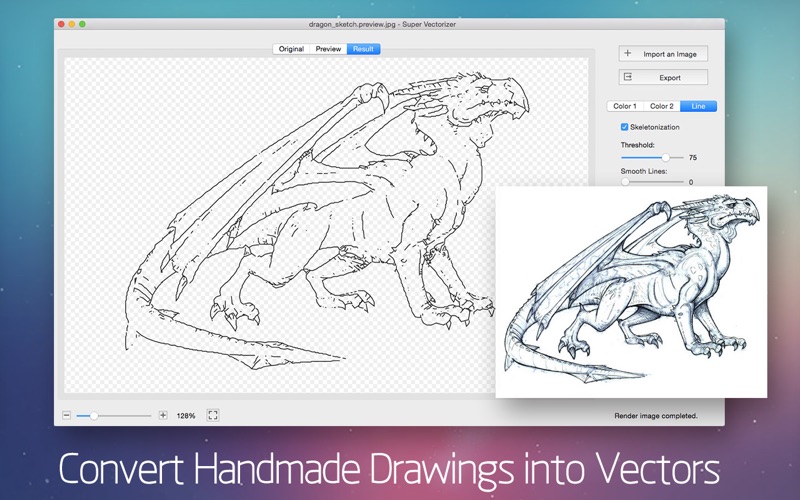
8. Trace by what matters. Vectorize by Color, Region or Line. Switch to Skeletonization or Line mode to turn pencil sketches and technical drawings into editable strokes.
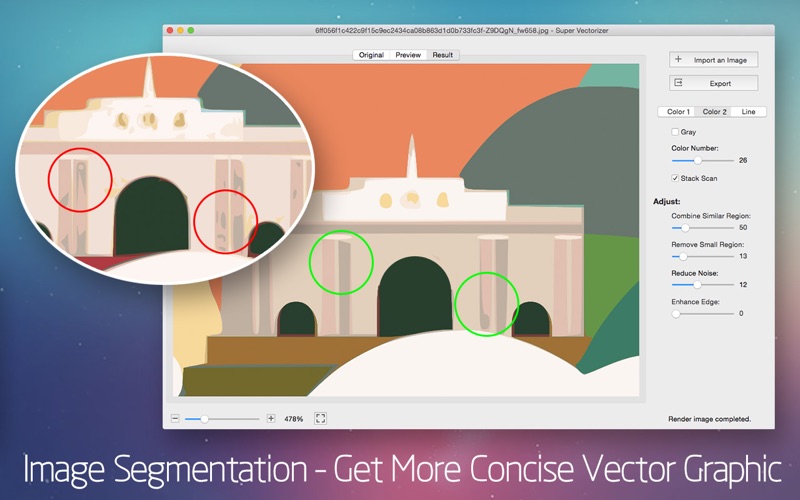
9. Segmentation editing. Trace cleaner line borders that simplify complex images into concise, easy-to-edit vectors — without region overlap.
10. Four-times-better smoothing. An enhanced pre-processing engine smooths noisy images far more effectively than the previous generation, for tighter, more accurate results that closely match your original.
11. Pro-grade output & workflow. Export to AI, SVG, EPS, DXF, and PDF · preview at full detail with smooth zoom · open via drag-and-drop · handle very large images · transparent-background support.
## Super Vectorizer Supported Input Formats (70+)
JPG, BMP, PNG, GIF, PDF, PSD, PNT, RGB, ARW, BMPF, CUR, CRW, CR2, DCR, DNG, EPSF, EPSI, EPI, EPS, EXR, EFX, ERF, FPX, FPIX, FAX, FFF, GIFF, G3, HDR, ICNS, ICO, JP2, JFX, JFAX, JPE, JFIF, JPF, MPO, MAC, MRW, MOS, NRW, NEF, ORF, PICT, PIC, PCT, PS, PNTG, PNGF, PEF, QTIF, QTI, RAW, RAF, RW2, RWL, SR2, SRF, SRW, SGI, TRIC, TIFF, TGA, TARGA, TIF, XBM, 3FR, 8BPS
Super Vectorizer Pro is built for everyone from hobbyists to professional design teams. With cutting-edge raster-to-vector technology, it does an impressive job of converting photos and bitmaps into crisp Line Art, illustrations, and scalable vector graphics.
Super Vectorizer Save hours and money — get your artwork print-, embroider-, and cut-ready faster than ever.
We’d love your feedback: [email protected]
What's New
1. New Region mode — a true region-based tracer: the image is split along real edges, then each region is filled with its own representative color. No longer limited by a color count; complex portraits can resolve thousands of regions while keeping gradients and fine structure. 2. Sharper edges, no drift — the edge enhancement pass was rewritten: colors snap once at the boundary, and the boundary itself doesn't move. No more soft halos or white seams. 3. Two new controls — Simplify merges similar-colored regions; Min Area removes speckles. Previously both were tied to one slider. 4. 10 built-in presets — added Portrait, Landscape, Icon, Manga, Line Art and Text, plus Icon / Manga for Color mode. 5. AI super-resolution preprocessing — small images and line art are upscaled before tracing for finer edges; exports stay at the original size. (Apple Silicon only) 6. Added support for EPS format output.
Download
No comments yet. Be the first to share your thoughts!
Comments & Reviews