
WiFi Signal: Strength Analyzer
Information

Description
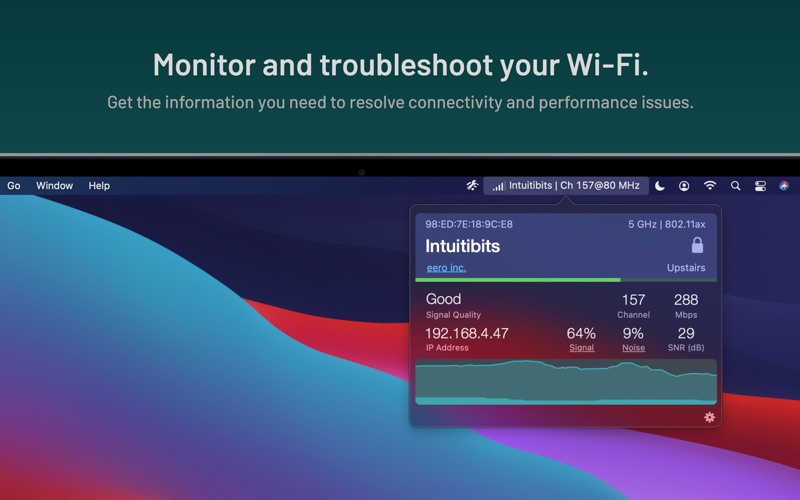
WiFi Signal offers quick access to your Wi-Fi connection details while actively monitoring network status and signal quality.
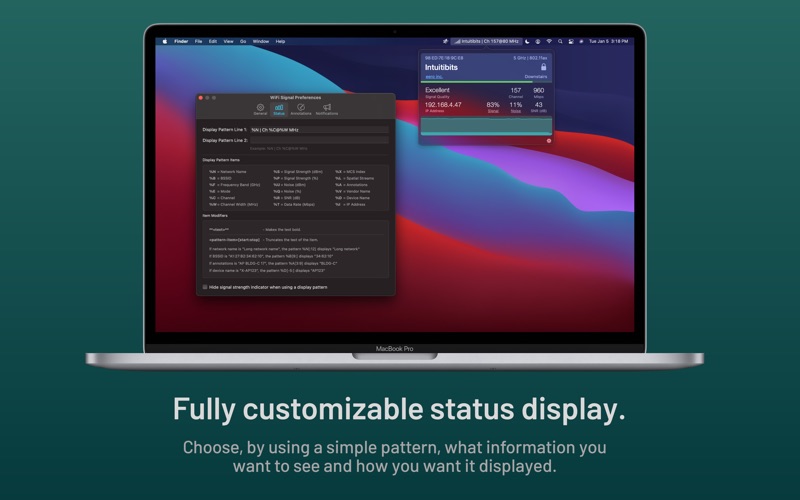
Customize WiFi Signal’s menu bar display to show exactly the information you need, arranged in the format and order you prefer.
FEATURES
• Simple, straightforward user interface
• 2.4, 5, and 6 GHz band support
• Fully customizable, multi-line status icon display options
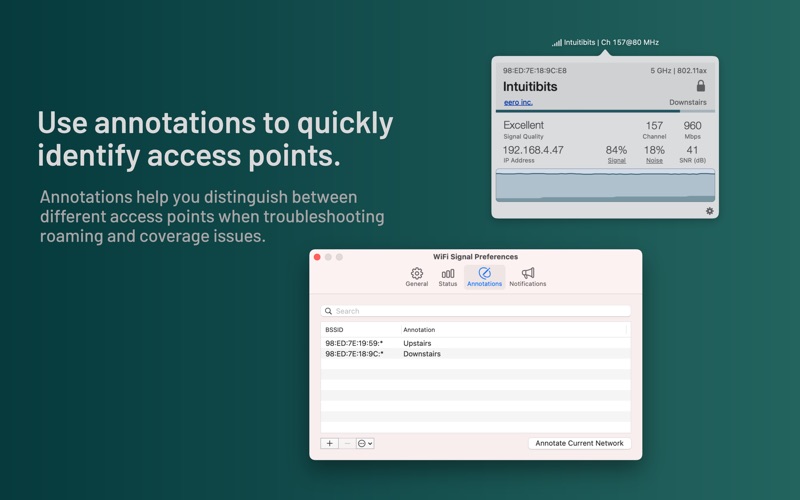
• Annotations to quickly identify different access points
• Detachable popover window
• Accurate dBm to percentage (%) conversion
• Real-time graphs for signal strength and noise level, Signal-to-Noise Ratio (SNR), transmit rate, or MCS index (if supported)
• Signal quality ratings based on SNR measurements
• Notifications and logging of changes in your Wi-Fi network connection, such as when the computer joins or disconnects from a network, moves to a different access point, or when data rate or channel configuration changes are detected
• Comprehensive help describes how to use the tool in the most effective way
• Light and dark mode support
Requires a Mac with built-in Wi-Fi. External Wi-Fi adapters are not supported.
For a more comprehensive analysis of the Wi-Fi environment, consider WiFi Explorer, also available in the Mac App Store.
Download
No comments yet. Be the first to share your thoughts!
Comments & Reviews