LaunchPalette – App Switcher
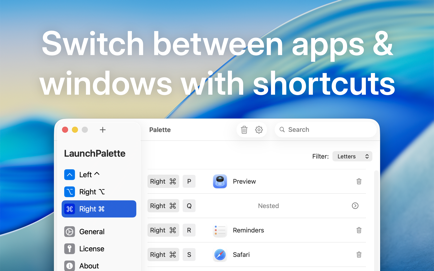
Switch between apps or projects right away with keyboard shortcuts!With LaunchPalette, you can for example.
Information
Description
LaunchPalette Switch between apps or projects right away with keyboard shortcuts!
With, you can for example:
• Assign Right ⌘ S for Safari and Right ⌘ C for Calendar. (You can still use Left ⌘ as usual.)
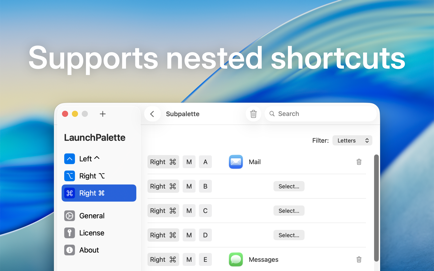
• Assign Right ⌘ M+A for Mail and Right ⌘ M+E for Messages.
• Focus on a specific project. (E.g. Right ⌘ X+L > Xcode LaunchPalette project and Right ⌘ X+T > Xcode TabBack project.)
• Hide the frontmost app (or cycle through its windows in the order they were used*) by pressing the app’s shortcut again.
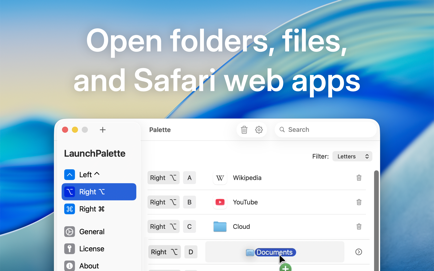
• Change the modifiers (⌃,⌥, and ⌘) or create additional palettes with other modifiers.
• Run AppleScripts and shell scripts.
• Safely rename or move registered items on your computer; will automatically reflect the changes.
You can purchase the lifetime license or subscribe to the monthly license to use the app without any session based limitations.
_______
* Requires Helper. (https://github.com/LaunchPalette/Helper/releases)
Terms of Use: https://www.apple.com/legal/internet-services/itunes/dev/stdeula
Download
No comments yet. Be the first to share your thoughts!
Comments & Reviews