ShiftPlus
Information
Description
ShiftPlus is a native macOS workspace one-click switching and automated recovery application, optimized for macOS Sequoia and Apple Silicon.
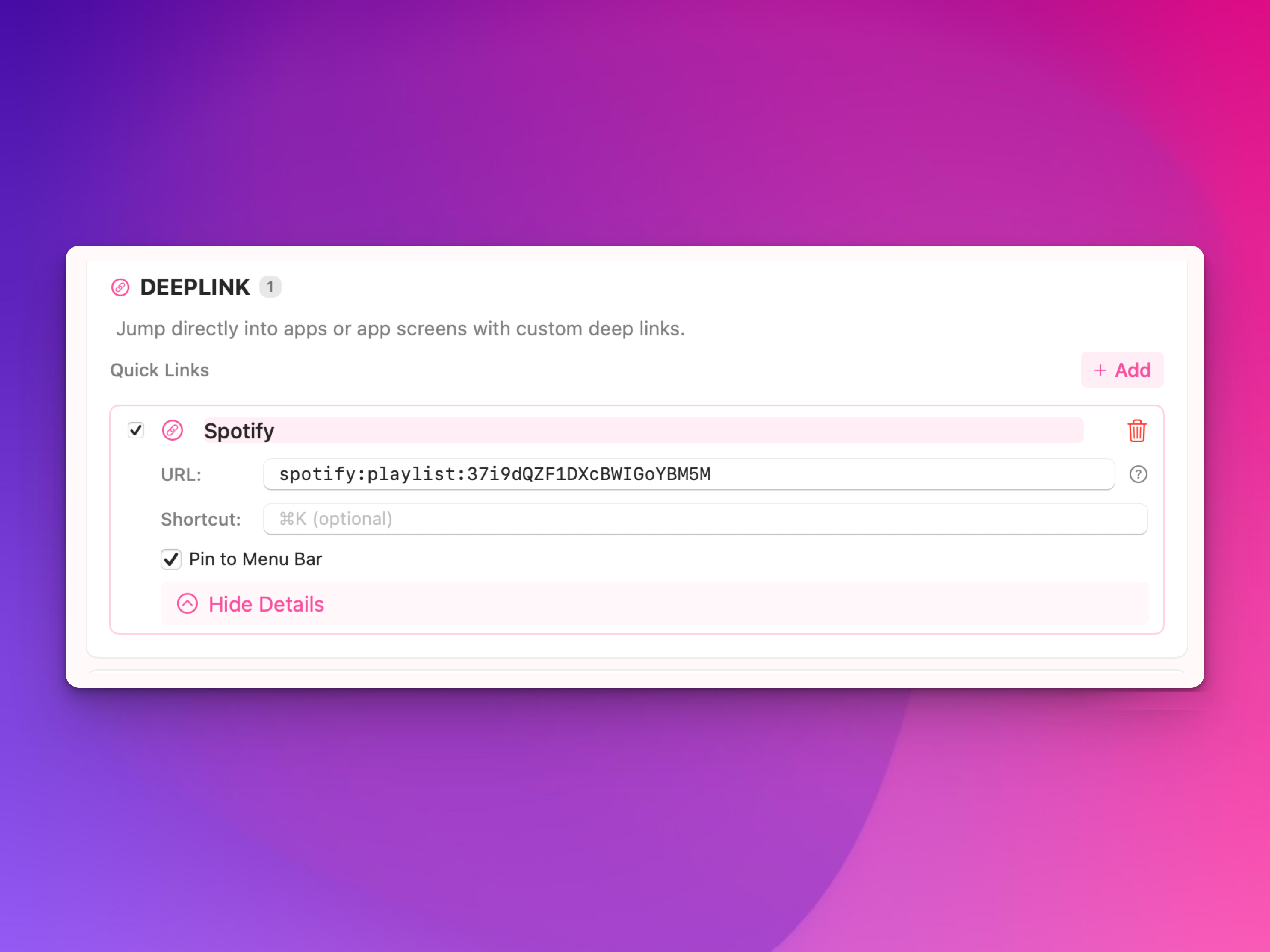
which can fully restore your work environment with a single click, including multi-browser (Chrome/Safari/Edge/Brave/Arc, etc.) specific profiles and preset URLs, applications (VSCode/Xcode/Spotify/ iTerm, etc.) with project paths or playlists, Finder specified folders, terminal command execution, deep links to Slack channels or Spotify playlists, window size positions and multi-monitor layout arrangements, and even minimized status, and also supports one-click capture of all currently open content and quick saving as profile, centralized loading of environment variables and AWS/GitHub credentials, and custom global hotkeys to quickly switch between different work/personal/customer scenarios.
Menu bar quick access controls, modern native interface created by ShiftPlus SwiftUI, light and dark adaptive themes, and smooth animations; It is especially suitable for developers to separate development/test/production contexts, professionals to work in isolation of personal or customer browsing environments, heavy users to achieve multi-identity efficient switching, free 14-day full-function trial, the Pro version is paid for $19.99 (single-device lifetime license with 1 year of updates) or $29.99 (dual devices) to unlock unlimited workspaces, unlimited browser URLs, advanced application actions, intelligent environment automatic switching, unlimited deep chains and custom operations.
Completely local operation with zero data collection, ShiftPlus zero network connection and zero subscription, it is loved by 800+ global users (including Naver/Binance/Day One and other company users), and is known as the most suitable for the macOS native experience, no bloat, no learning curve, greatly saving mental burden and daily repetitive operations.
Download
No comments yet. Be the first to share your thoughts!
Comments & Reviews